
Tutorials
Official tutorials
Step-by-step walkthroughs from the DreamOddly team, covering script, storyboard, characters and image generation.

Test a lossless round trip
Take one or two spots through trim, export, and re-edit to confirm the round trip loses no data.

Mark transitions with a short effect
Add a short effect or audio glide, such as a whoosh or chime, at a transition to signal the visual change.
Retired blade smith
Give him half-grey hair, a coarse apron, thickly callused hands, and a scuffed old blade at his belt.

Keep eyelines and occlusion logical
Keep eyelines and occlusion, including who blocks whom, consistent with the spatial logic.

Fabric under light
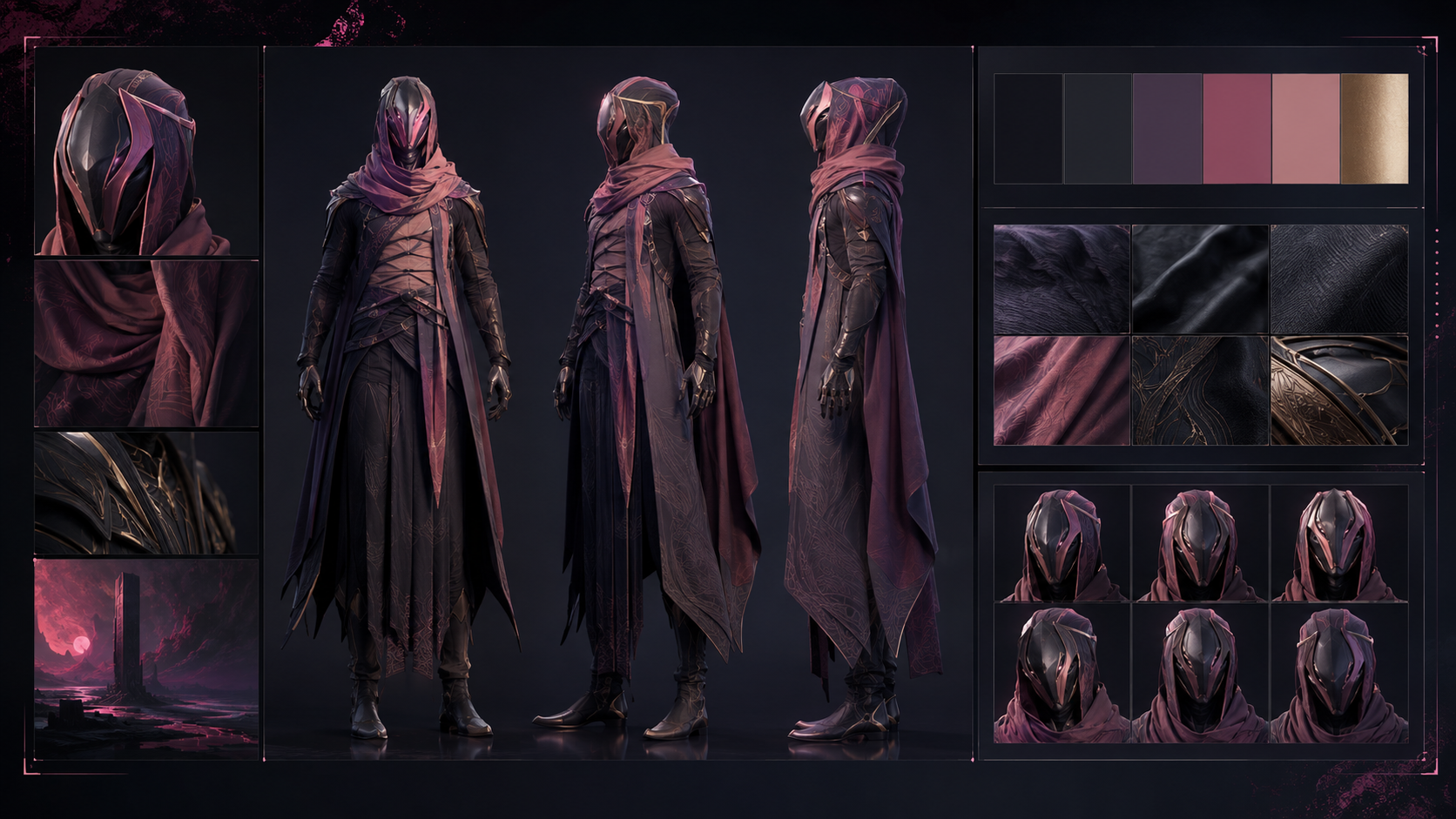
Name the fabric (silk, cotton or wool) and how it meets the light, reflecting or absorbing, so a robe or a uniform reads as rich or plain.
Match cue style to film style
Match the cue to the film: driving for S5, sweet for S6, cold for S2, or playful for S10.
Let the cut breathe
Alternate fast and slow passages by cutting short through tension and holding longer through lyrical beats.
Static shots need moving content (static-locked)
With static-locked, create motion through content inside the frame, such as people, cars, clouds, or light.

Work the checklist
Clear five items before rendering: sync, levels, transitions, the ending, and aspect ratio, carrying the self-check list over from the editing step.
Run the self-check list
Run the list before export: sync locked, levels not overloaded, no transition left hanging, and a tail of resonance at the end.
The thread of an old town legend
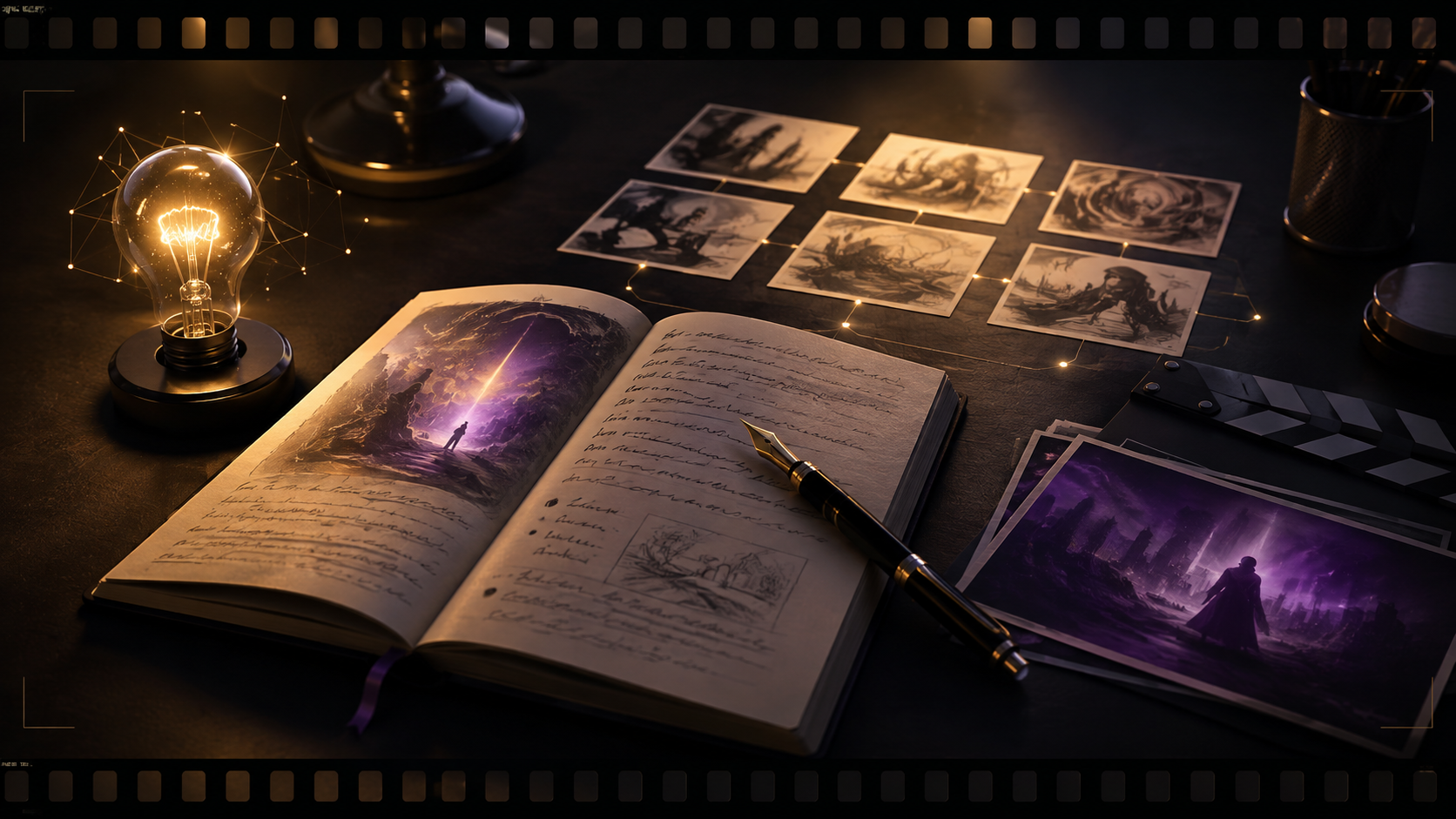
A traveler follows a line of old lanterns through the dark lanes of an ancient town chasing a legend, and walks into a courtyard that opens only tonight.
Clothing for older characters
Choose loose, warm, understated clothing such as a sweater or padded coat.
Cut on action
Carry an action from one shot into the next so the picture keeps flowing.
Render locally first
When compute runs on the client, prefer local rendering for greater control.