
Tutorials
Official tutorials
Step-by-step walkthroughs from the DreamOddly team, covering script, storyboard, characters and image generation.
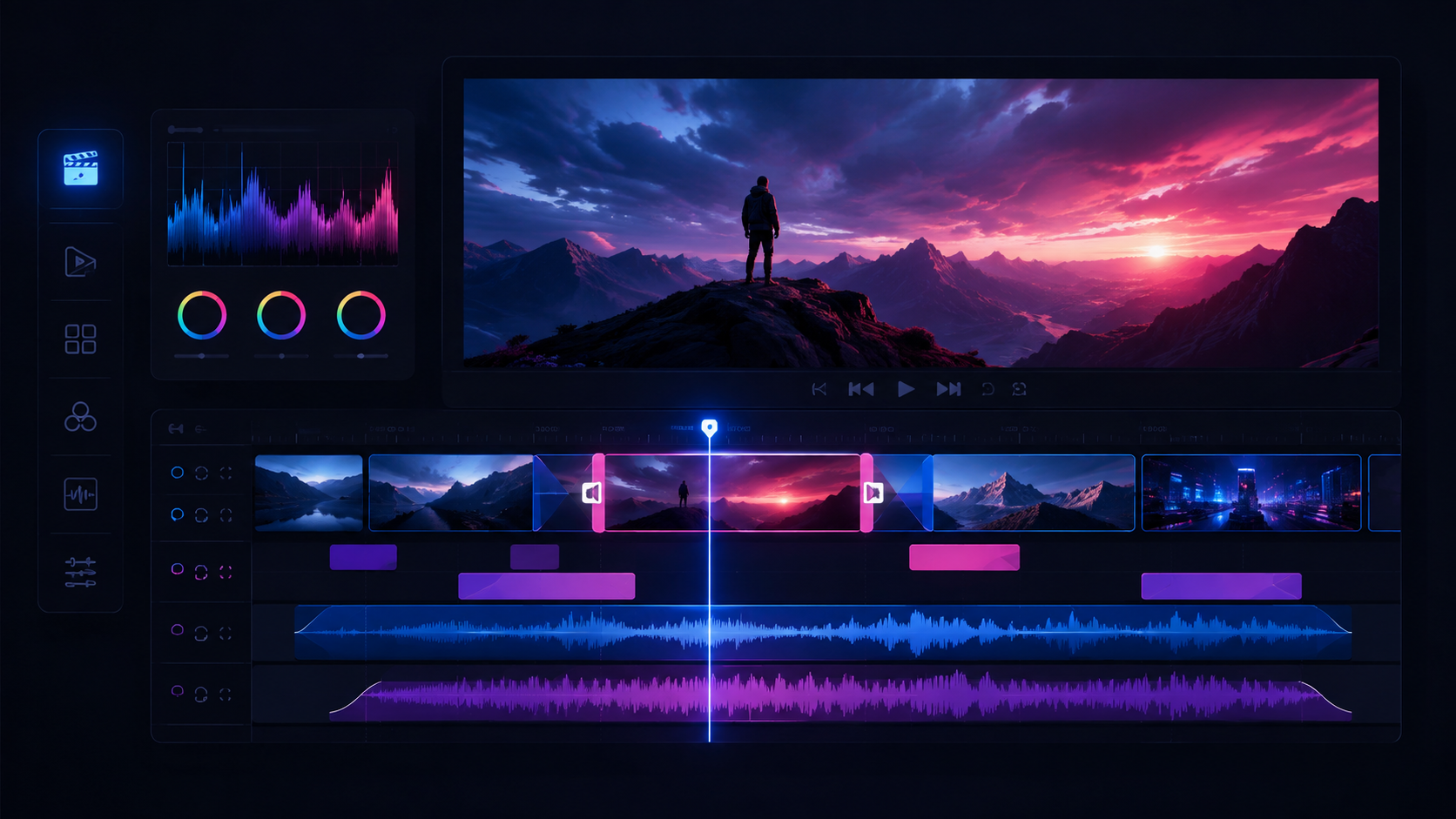
Reconcile local and server state
Reconcile the local preview state with what has actually uploaded, so nothing plays in preview and then goes missing at export.

A candidate is not the final frame
Treat each generation as a candidate, run more passes when you want options, and adopt one as the official frame only after comparing them.
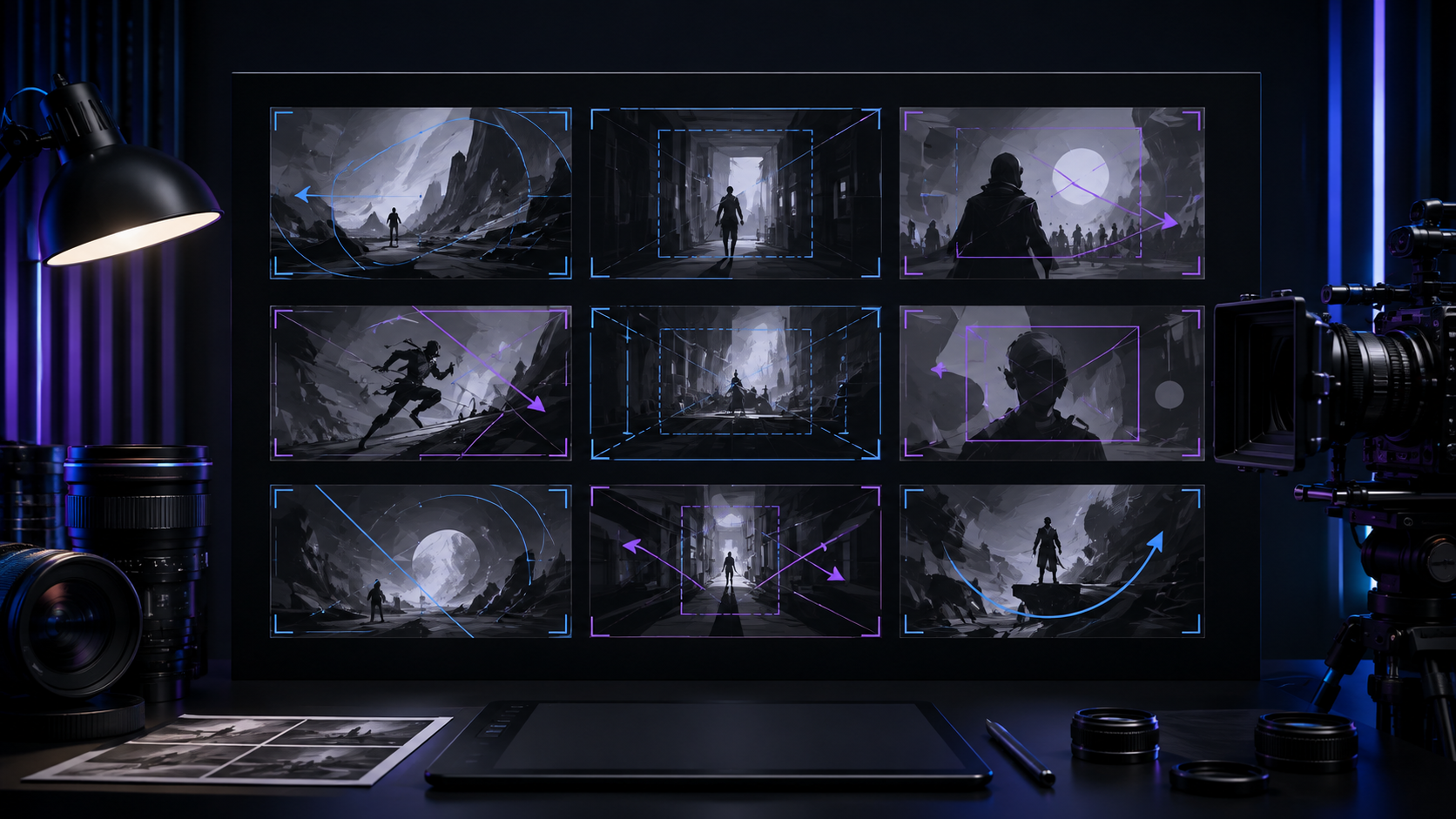
Close-up for emotion
At emotional peaks, use close-ups of a trembling hand, the eyes, or an object.
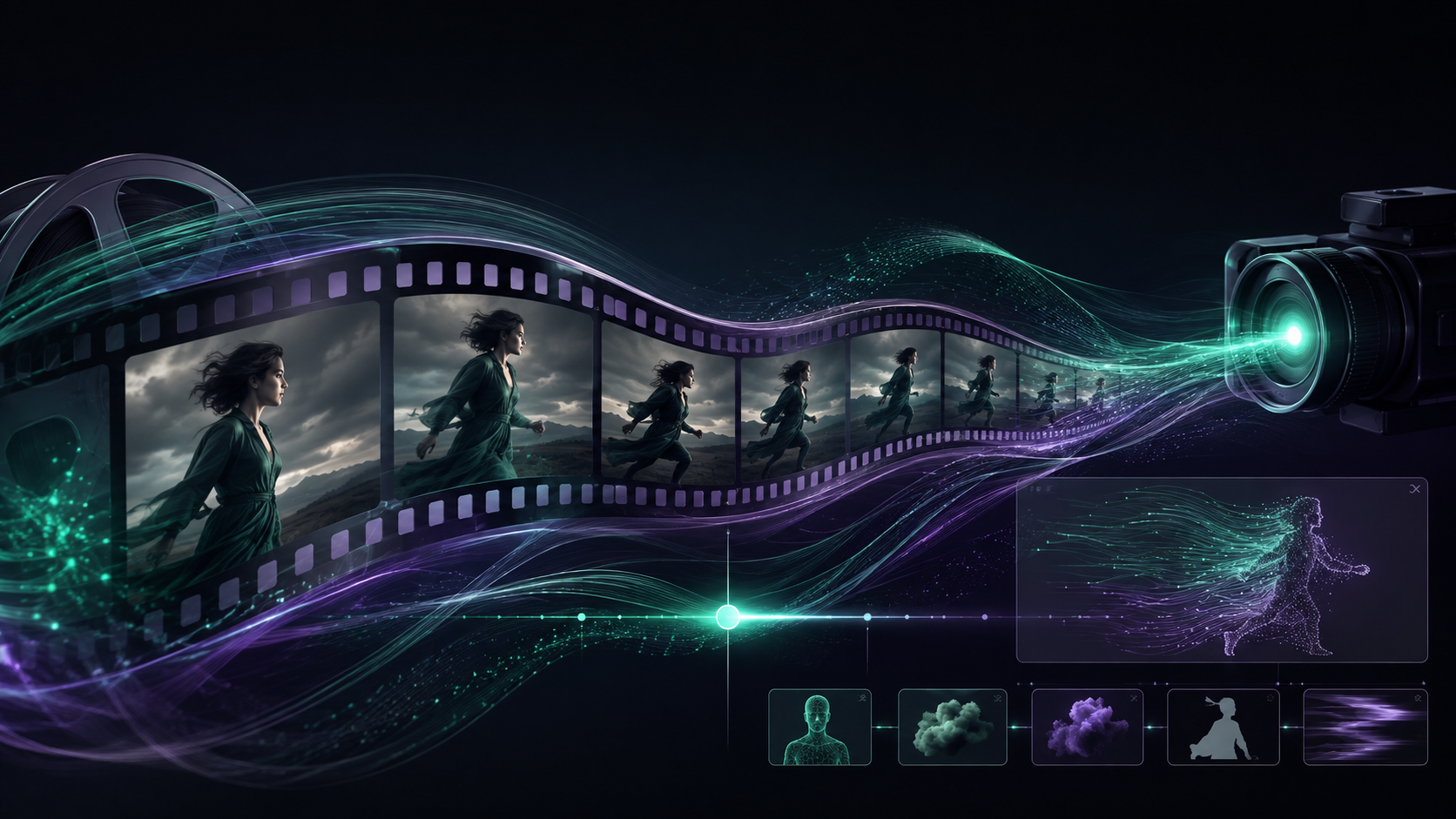
The first frame decides everything
Build every clip from a first frame (or a first and last frame), and make that first frame fully composed with a clear subject so the motion has a stable baseline.
Cut dance to the beat
Break a dance or sword dance into segments by musical beat.
Close the first-to-last loop
When both frame slots are open, make the last frame the natural outcome of the first: through the door then arrived, wind up then landed.
Clay island postman
Give him a rounded body, a small mail satchel, a blue uniform, and trouser cuffs often soaked by the sea.
Hook the first three seconds
For a 15 to 60 second piece, hook the viewer within three seconds and keep the clips short and dense.
Medium shots for dialogue
Use medium shots for dialogue-heavy beats.
Break fights into beats
Generate a fight as separate clips for the wind-up, the contact and the landing, then assemble them in the edit.
Astronaut shooting the moon for his daughter
Describe a spacesuit with his daughter's photo taped inside the visor and a tired but tender expression.

Episodic delivery
Keep the opening, the end card, and the metadata consistent across episodes so a series stays easy to follow and continue.
Mix dialogue first
Duck music and effects under dialogue and narration wherever they overlap, so nothing ever covers the voice.

Open with a welcome line
Open short-form and animated pieces with a brief welcome or greeting to establish warmth before the story starts.
Dolly zoom (dolly-zoom-in / dolly-zoom-out)
Save dolly-zoom-in or dolly-zoom-out for the one vertigo or dawning-realization beat in the whole piece and never spend it twice.
Check asset completeness
Confirm the main track carries no placeholder for material that is not adopted, because missing assets render as blank frames.
Beasts of the Classic of Mountains and Seas
Use the divine beasts of the Classic of Mountains and Seas to walk through imagination and the cultural symbol each creature carries.
Cross-cut two threads
Cross-cut between two threads and shorten the intervals as you go, so the audience feels the two lines closing on a collision.
Start the next piece
Treat the finished cut and its project as the starting point for the next one, reusing characters, scenes, style, and workflow to build a series.
Cast for character, not timbre
Cast voices for the character's temperament first, whether steady, hot-headed, or gentle, and consider timbre second.
Bullet time orbit
Use bullet-time-orbit to circle a nearly frozen moment from multiple angles.
Align the main track to the storyboard
Keep the main track in storyboard order and use each shot card's number and duration as the alignment reference.
The moment everyone missed
The security footage looks completely ordinary until it is slowed down, revealing the one moment in the corner that everybody missed.
Sharpening a handmade tea knife
A handmade tea knife takes its first edge, and that single sharpening stroke carries the whole discipline of the craft.