
Tutorials
Official tutorials
Step-by-step walkthroughs from the DreamOddly team, covering script, storyboard, characters and image generation.
Time-lapse the long change
Use time-lapse to compress long changes such as the seasons, a city sky, or a whole day on an old street.
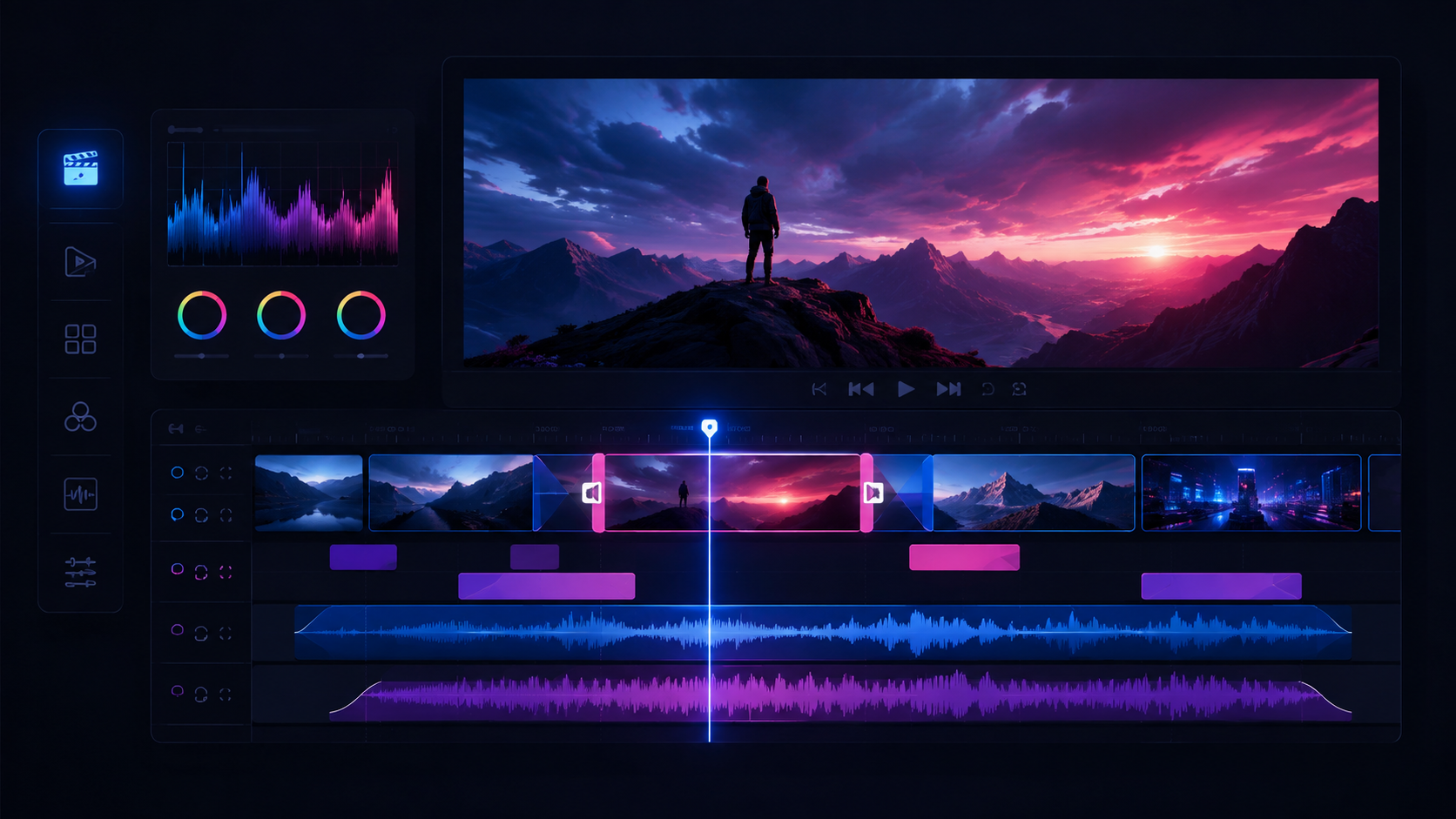
Build the rough assembly first
Drag the adopted clips onto the timeline in storyboard order before you touch transitions or sound effects, so the skeleton stands up before you refine it.
Two readers, one book
In a library, two people keep borrowing the same book and never once meet each other's eyes.
Shallow depth of field
Ask for a sharp subject against a soft background and name which subject the focus falls on for an emotional or product close-up.

Layer your audio stems
Separate dialogue, narration, music, and effects into layered tracks so each can be adjusted on its own.
Empty shots for breathing room
Generate a people-free empty shot when a transition needs breathing room.

Publish a share link
Generate a public share page or embed link for the finished cut.
Use silence deliberately
Leave beats of silence on either side of a pivotal line to pull attention and build tension.
One day in a small town
Dawn in a small town: the soy milk stall, the morning market, and the runners along the river weave together into a single day.
Check aspect ratio and resolution
Check aspect ratio and resolution, vertical for I1 and horizontal for I8, and match the export format to the platform.
Assemble a montage from short beats
Build montages by cutting small action atoms together to a rhythm instead of leaning on one long generated clip.
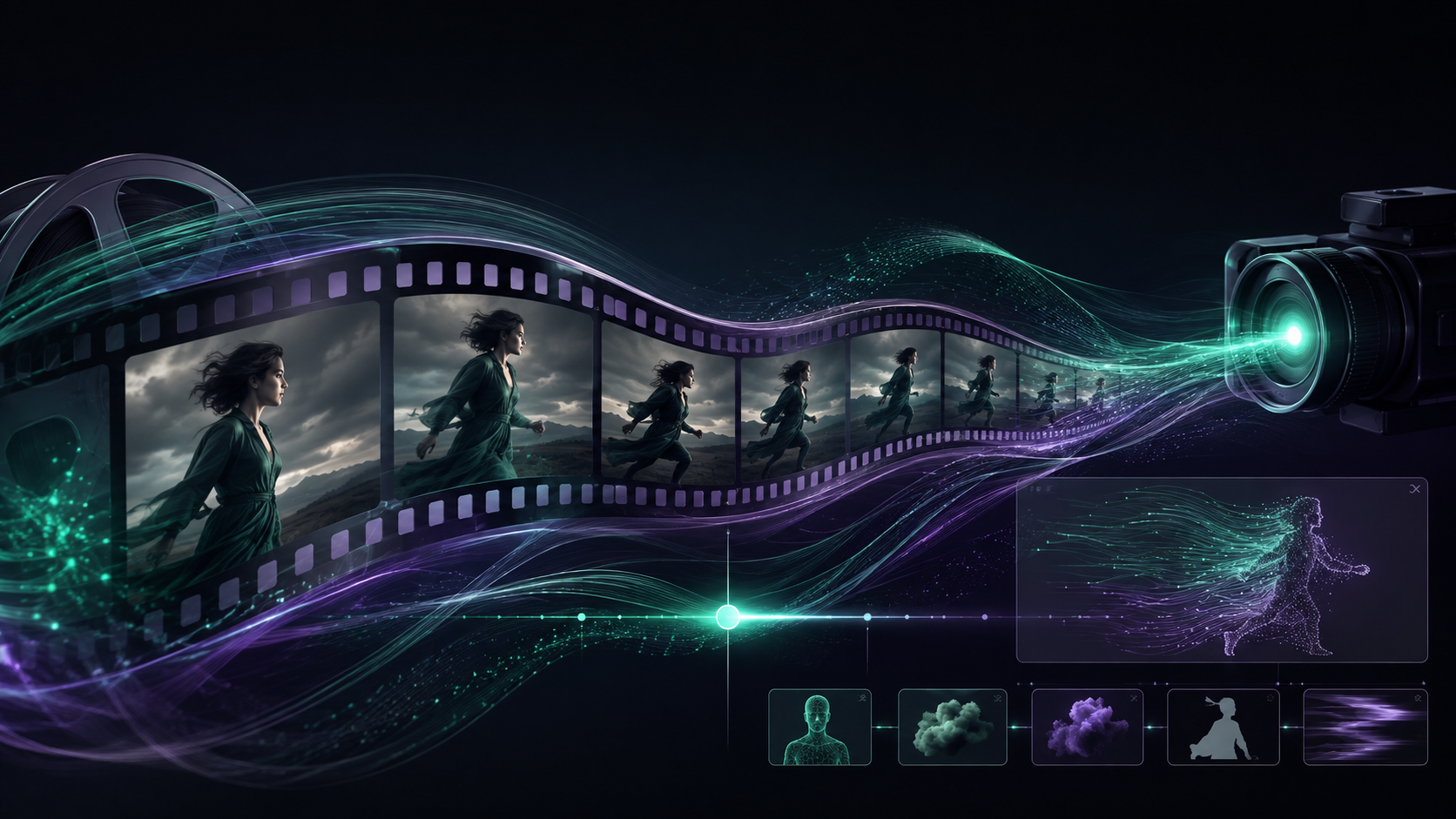
Pull back to reveal (pull-back-reveal)
Use pull-back-reveal to widen from a detail to the whole picture and create an 'aha' reveal.
Match the performance across cuts
Carry the same emotion or action smoothly across a cut to avoid a jarring continuity error.
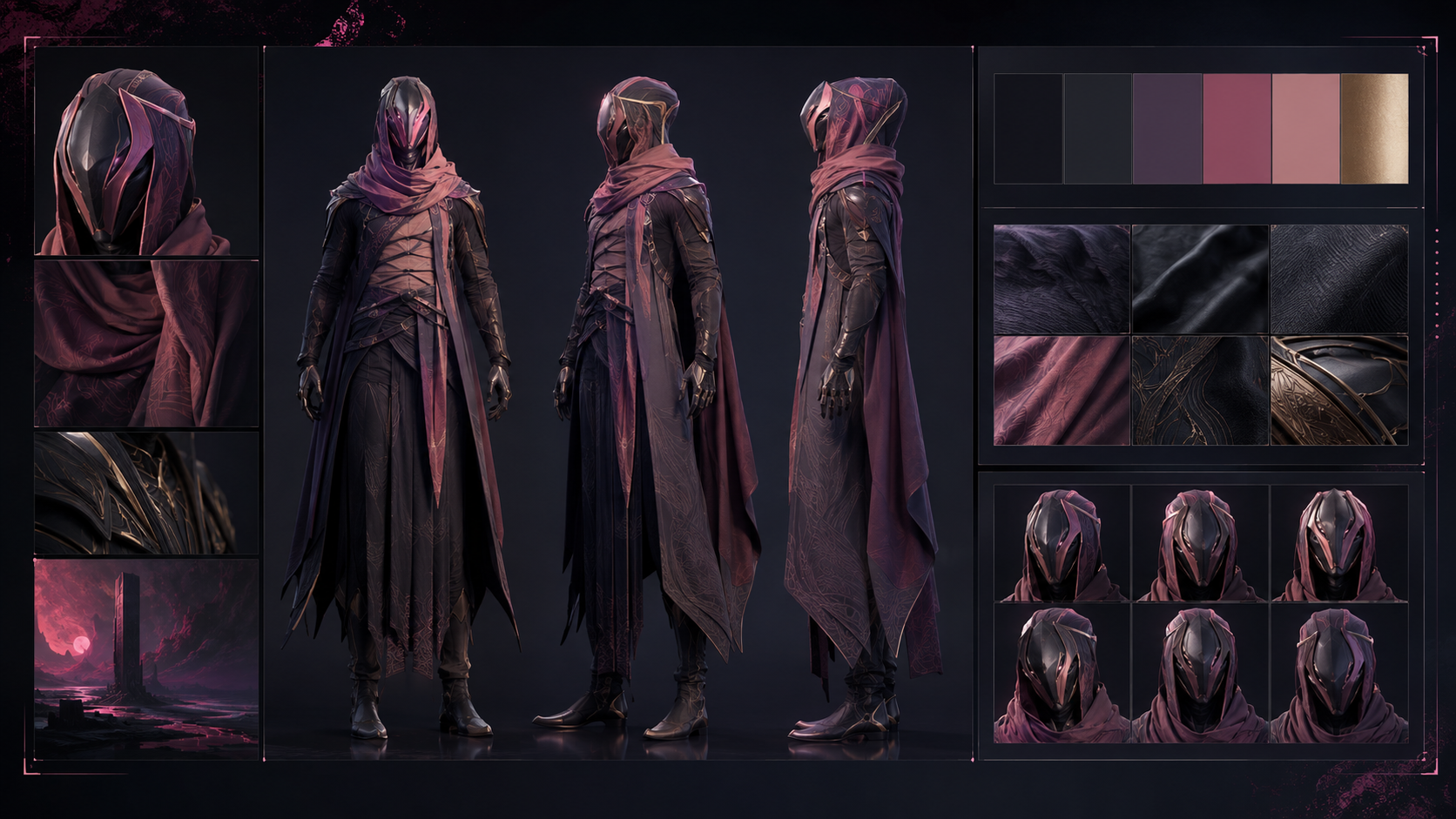
Codify the costume colors
Write the costume's main color as a specific named shade and save one reference swatch in the character profile for later shots to cite.
Check the credits chapter
Reread chapter 5 of the guide on credits, top-ups, and the first-top-up bonus, and confirm what an export consumes and where granted credits end.
Motivated practical light
Put a visible light source in frame, a desk lamp, a neon sign or a candle, and use it as the key light.
Follow preflight failures to the cause
When preflight fails, read the stated cause, codec, disk space, or compute, and jump straight to the place where the gap can be fixed.
Build a chase in segments
Build a chase in separate push-in, lateral-move, and dangerous-obstacle segments.
Brief music copyright-safely
Describe music by genre, mood, and length without steering toward an existing copyrighted song.
Facial consistency prompts
Specify face shape, eye shape, brow shape, and skin tone instead of using 'beautiful' or 'handsome' as a substitute for appearance details.
Open on a wide establishing shot
Open on a wide establishing shot to establish the time, place, and spatial relationships.
Play the antagonist quiet
Voice antagonists and impostors with calm, controlled pressure; it is more unsettling than shrill shouting.
Rhythmic action on the beat
Synchronize action with the musical beat.
Street sugar-painting artist
Use plain clothing with frayed cuffs, pale amber sugar stains, and small burn marks on the fingertips.