
Tutorials
Official tutorials
Step-by-step walkthroughs from the DreamOddly team, covering script, storyboard, characters and image generation.

Commerce and product cuts
Put product details such as price and link clearly in the end card, and keep image quality the first priority.

Let fabric and hair move
Spell out how hems and loose hair react to wind, running or a turn, so the costume does not look welded to the body.
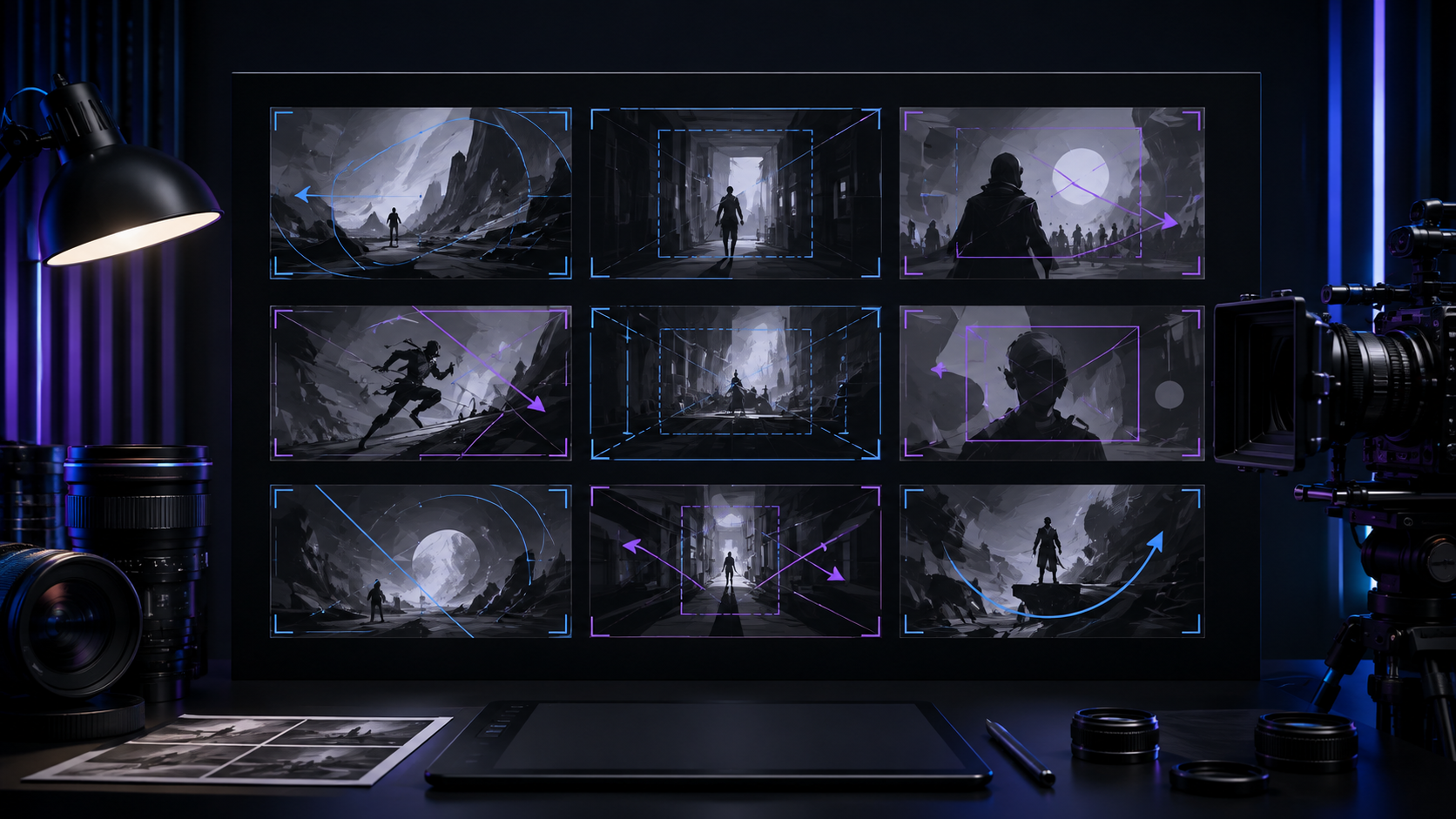
Slow push in (dolly-in)
Move slowly toward the subject with dolly-in or creeping-push-in to create approach, focus, or tension.

Specify BPM or beat cuts
State the BPM or ask for beat-matched editing so shots and actions land on the beat.
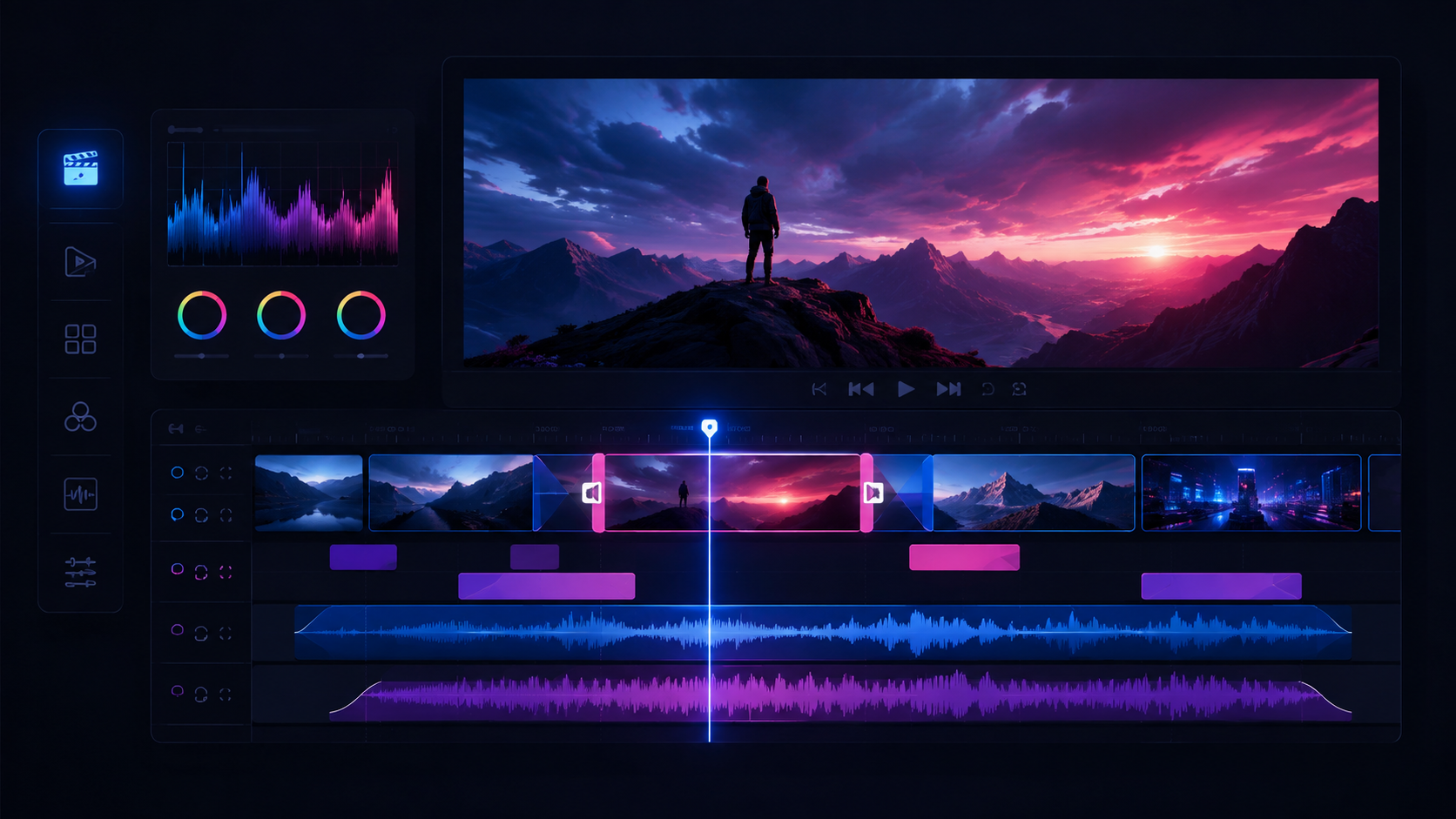
Play it back on a real device
Play the cut back on a real device through real speakers instead of trusting a scaled-down preview window.
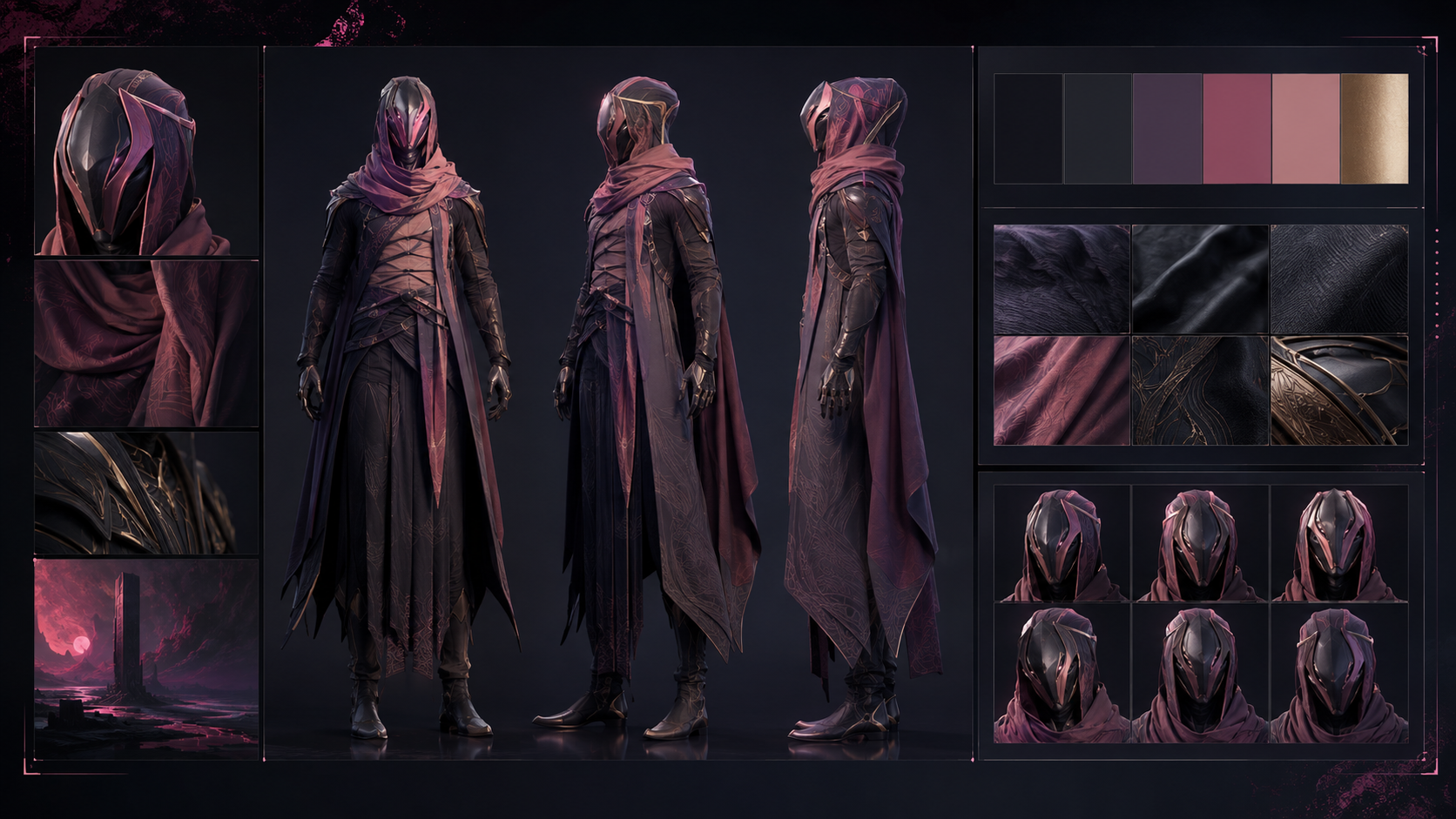
Grandfather who leaves the light on
Give him grey hair, a worn sweater, and a warm mug he often raises.
Jump cut to compress time
Use jump-cut to compress time and create a rushed or absurd feel.

The storyboard is upstream
When images keep drifting, return to the storyboard card, check the subject, action, camera, and environment descriptions, then regenerate.

City parkour, light as air
A runner vaults a city railing and lands as lightly as a weightless step, then pushes off the next one with full explosive force.
Muted pastels and earth tones
Choose morandi-muted when you want a low-saturation documentary feel.
Truck left or truck right
Use truck-left or truck-right to follow a subject in parallel or show depth along stalls or a production line.
Follow the upstream gap
When generation is blocked, read the panel call-out naming the earliest upstream gap (missing character reference, missing first frame, low balance) and jump straight to it.
Golden hour (style: golden-hour)
Use golden-hour for golden sunset light, long shadows, and warm tones.
Fill in delivery metadata
Enter title, tags, cover image, and aspect ratio at export time so the publish page and the share page have what they need.
Give characters a catchphrase
Give a character a catchphrase or recurring line to strengthen recognition, as with the S1 clerk or S8 artisan.
Control share visibility
Set each share page to public or private, and confirm that unpublishing or replacing a version actually takes effect rather than leaving the old one live.
Collecting smiles from strangers
A young person living alone collects smiles from strangers across the city.
Explore light, finish high quality
Explore framing and camera position with a lightweight model, then use a high-quality model for the final frame.
Memory restoration technician
Dress him in an old sweater under a white coat, put a reader in his hand, and have him remove his glasses when concentrating.
What you preview is what you export
What you see in the timeline preview must match what the export produces.
Brief an emotional arc
Brief the music as an emotional arc (calm, then tension, then release) aligned to your script beats, which is far more actionable than naming a track.
Return to the dashboard
Go back to the dashboard after exporting or publishing and confirm the project card reflects the real progress.
Leave room to zoom
Leave a little margin around the frame when generating so a later push-in or zoom does not crop the key subject.
Spacesuit details
Specify matte white, soft joint connectors, a chest indicator light, and an item taped inside the visor.