
Tutorials
Official tutorials
Step-by-step walkthroughs from the DreamOddly team, covering script, storyboard, characters and image generation.

A city with only data weather
Turn the climate question into science fiction: what if a city had nothing left but data weather?
An ancient beast wakes from ink
A mobile game opens on an ancient divine beast waking from an ink wash.

Alternate reads for key lines
Create alternate deliveries of each key line, from warm to ice cold, and choose one in the edit.

Keep characters consistent across shots
Carry the character reference look and keywords into every clip: same person, same hair and wardrobe, same anchor detail.

Cross dissolve for time
Use cross-dissolve to suggest passing time, memory, or a soft transition.

Macro texture
Use macro framing to magnify material texture such as ceramic, gauze, leather, or metal.
Silhouettes and outlines
Backlight a figure into a solid black silhouette and use the human shape as a visual symbol, as in the S5 duel, S9 detective, or S10 animation.
Close-ups on one micro-change
Aim a close-up at a single subtle change, a shift in the eyes or the corner of the mouth, and keep the description short and specific.
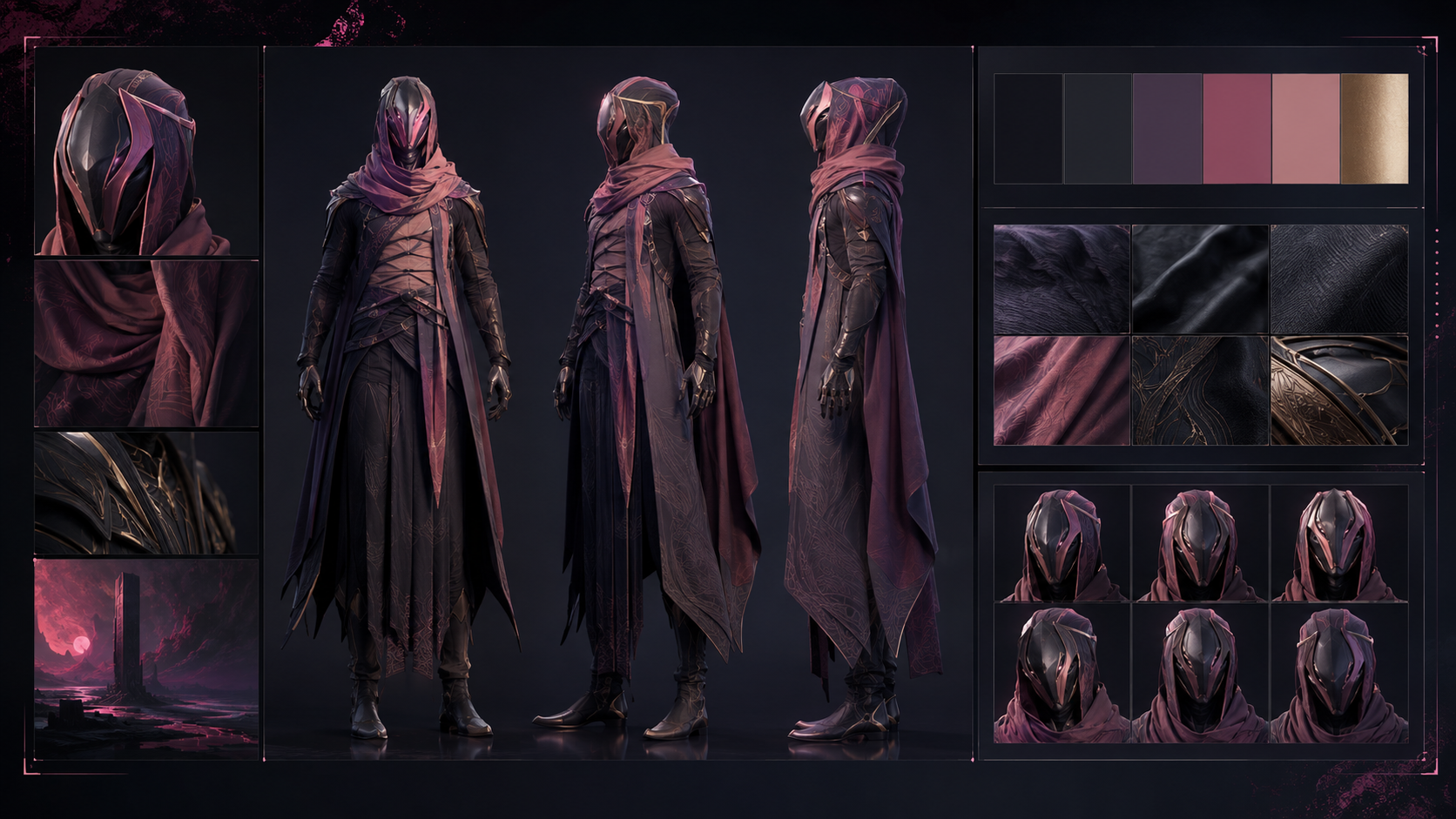
Pair official props with a character
Choose old-envelope, pocket-watch, or black-umbrella from propcatalog and pair it with the character as a memorable detail.
Generate one shot at a time
Select one shot and start image generation for it.
Pan and tilt
Use pan-left or pan-right to show horizontal space, and tilt-up or tilt-down to show vertical relationships.
The light that waits up
On every late night at the office one lamp is still burning, left on by someone who is waiting for you.
Everyday action montage
Assemble small actions such as boiling water, tidying up, and walking into a rhythmic montage.
Dolly zoom for the turn
Use dolly-zoom-in or dolly-zoom-out for a moment of reversal, realization, or loss of control.

Anchor dialogue sync
Treat synchronization between dialogue tracks and picture as a zero-tolerance requirement.
Keep clips a sensible length
Keep each clip near the platform default length and give it enough internal change, since a long clip with nothing happening goes dead.

Fall back to cloud render
Hand the job to cloud render when local compute falls short, and keep the handoff and its status reconcilable end to end.
Round-trip any adoption
Every video or audio asset must support adoption, un-adoption, and re-adoption as a clean round trip with no dead end (WALKTHROUGH 11).
First and last frame slots
For first and last keyframes, specify the starting and ending actions separately while keeping the character, scene, and camera continuous.
Fix the narration point of view
Choose one narration stance (first-person interior, third-person omniscient, or detached observational) and hold it for the whole piece.
Trim with in and out points
Trim each clip with in and out points rather than deleting whole segments, which keeps the usable footage you would otherwise throw away.
Check the link preview card
Check the preview card built from your share title, description, and cover, since it is the first impression the piece makes when passed around.
Spin off another version
Use the one-click path to start another version from this finished cut, reusing the project rather than rebuilding it from scratch.
Let the pacing breathe
Alternate fast and slow so the piece breathes: short cuts through the tense passages, longer takes for the lyrical ones.