
Tutorials
Official tutorials
Step-by-step walkthroughs from the DreamOddly team, covering script, storyboard, characters and image generation.
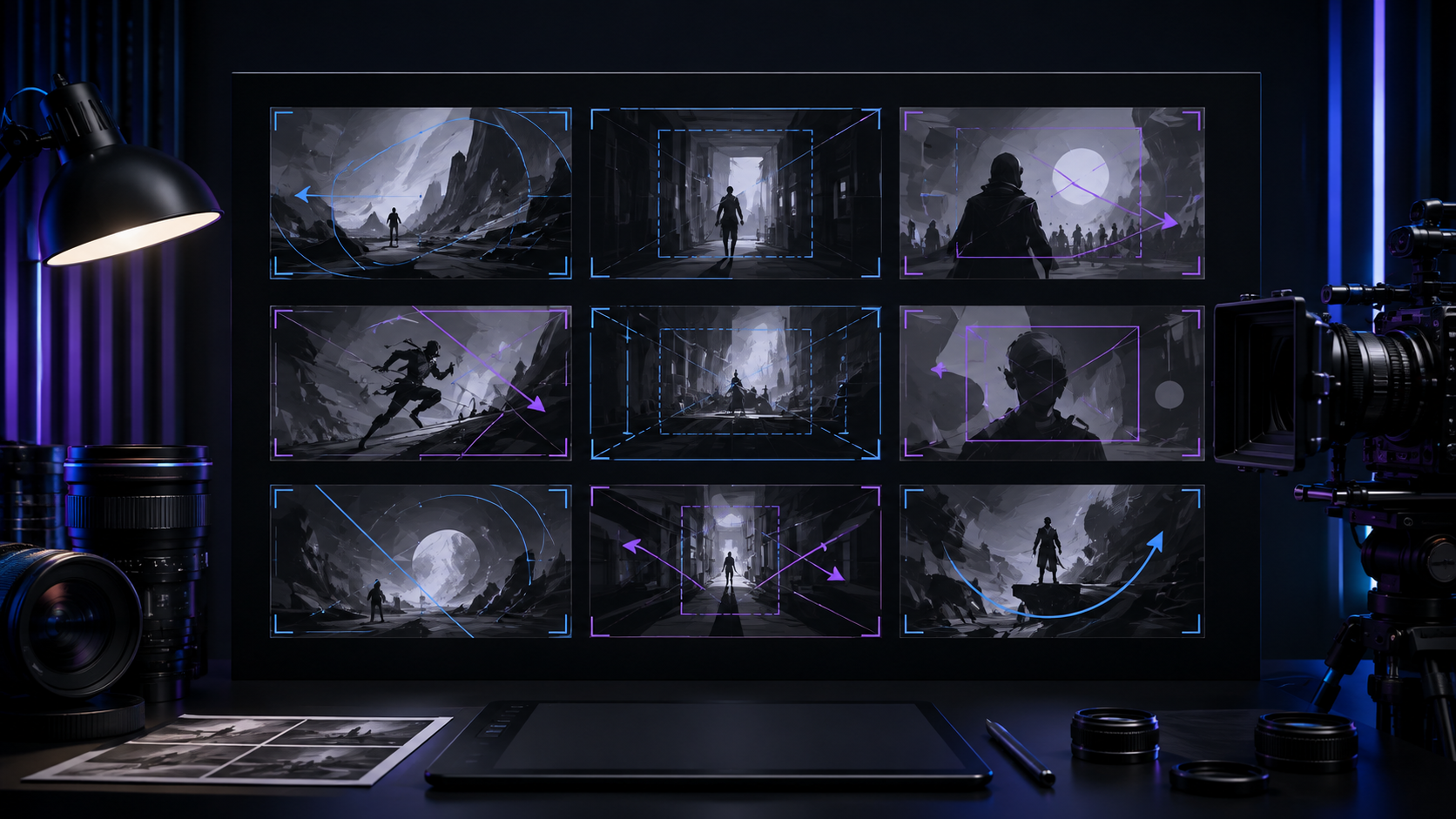
Pull back to reveal (dolly-out)
Use dolly-out or pull-back-reveal to pull from a detail into a larger space.
Shallow focus on the subject
Use shallow focus to keep only the main subject sharp while the background falls soft.
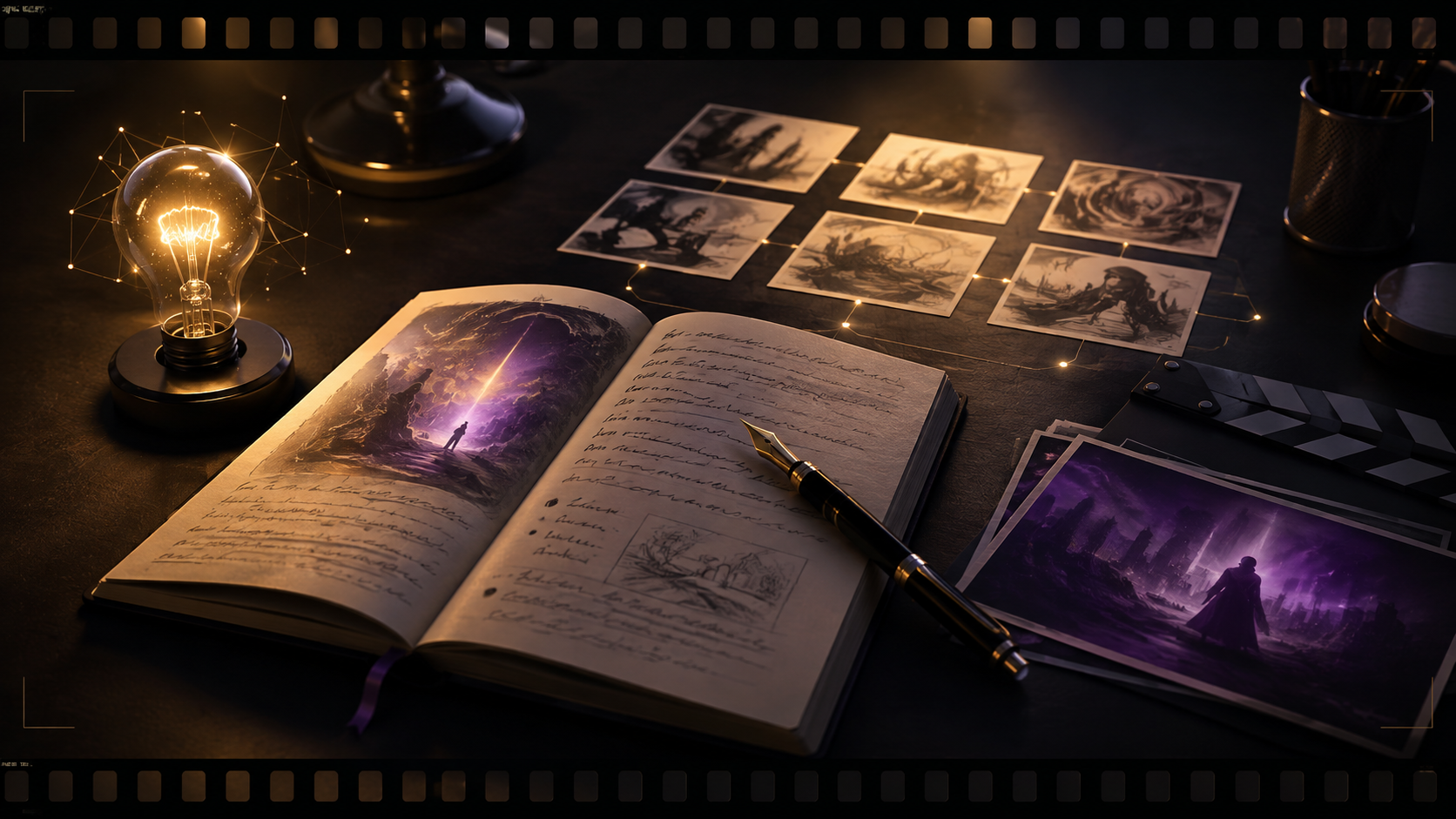
The postman of unclaimed letters
In clay stop-motion, a postman on a small island delivers the letters that have no one left to receive them.

Final style consistency check
Keep the visual style, color grade, and medium consistent across the entire film.

Take the finish exit
Use the finish exit that appears after rendering, sharing or filling in publish metadata, rather than stopping at the export success message.
Long take and oner blocking
Choose long-take-follow to stay continuously with one subject.
Match on action
Use match-on-action to change scenes while an action is still in progress.
A city wakes in one second
The first pencil line lands on the page, and the whole city wakes up along that line within a single second.
Hanfu unfurling in the wind
A set of hanfu goes from perfectly still to opening in the wind, and only as the sleeves sweep through the light does the full pattern appear.

One track per main voice
Give every principal character their own voice track so you can ride level and tone individually instead of untangling one blended mix.
Complementary and analogous palettes
Use complementary colors for clashing tension, such as S3's warm-cool contrast, or analogous colors for harmony, such as S1's warm oranges.
Filming the moon for my daughter
From the window of a space station, an astronaut films tonight's moon as a message for the daughter waiting back on Earth.
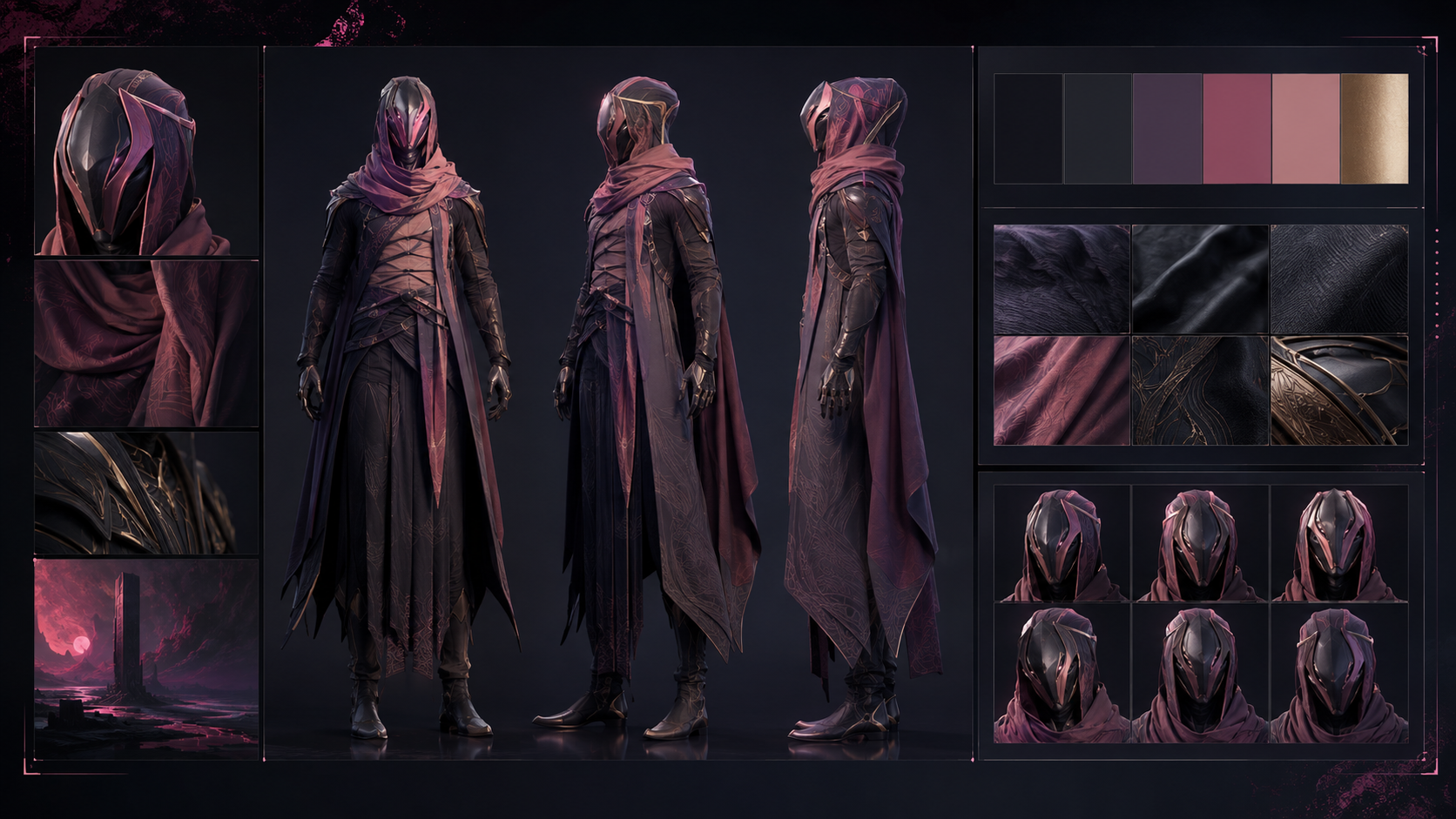
Reuse your own characters
When reusing a character, select the confirmed look-test version in the original project before copying it into the new project.
Close on a summing line
Close with narration that sums up the theme, whether S1 warmth, S10 courage, or an I10 call to action, and pair it with a fade.
Telephoto compression
Use a telephoto lens to pull the background closer and compress depth, giving crowds or streets a layered feel.
A perfectly normal transfer
A payment that looks completely routine is confirmed, and one second later the recipient's profile picture disappears.
Log where you got stuck
Record every point from sign-up to the first finished cut where you stalled or felt like quitting, then use that feedback to refine the steps below (L0 guidance).
Deep focus for more information
Keep foreground and background both sharp and state what sits in each plane so the environment carries part of the story.
Score the end credits
Lay the closing track under the end-card information (credits, call to action) so the piece keeps its resonance as it ends.
Character drift starts at the look test
When a character's look drifts, confirm that the look test has been adopted, then regenerate.
Slow motion on the detail
Use slow-motion to magnify a key detail such as a landing, a touch, or a raindrop.
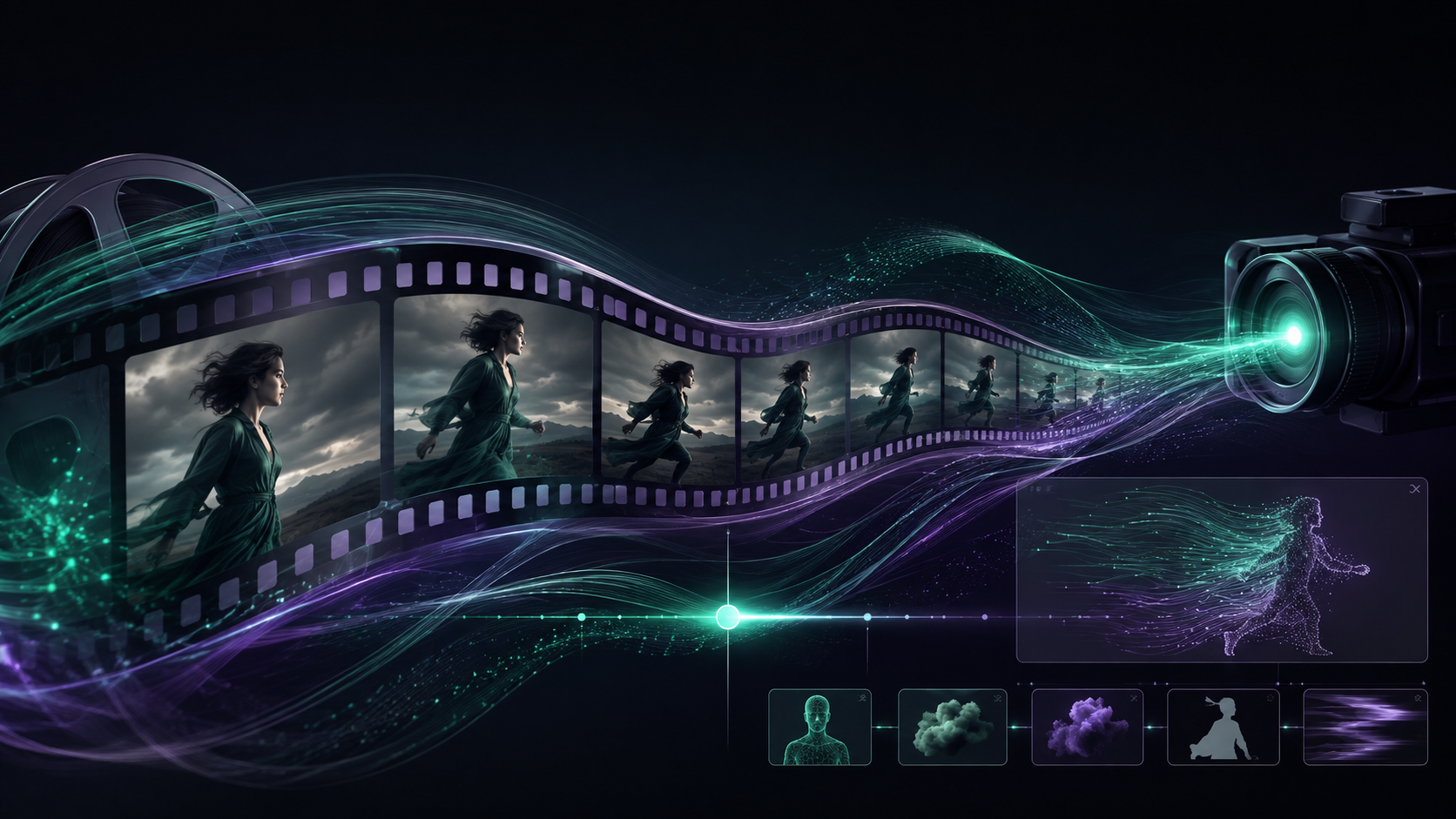
Let the body carry emotion
Replace surplus dialogue with body language such as a shrug, a clenched fist, or a halted step.
Graphic match cut
Use graphic-match-cut to transition between similar shapes, such as moon to coin to lightbulb.
Back up the master
Download and archive every important finished cut, and sync source files and assets when working across devices.