
Tutorials
Official tutorials
Step-by-step walkthroughs from the DreamOddly team, covering script, storyboard, characters and image generation.
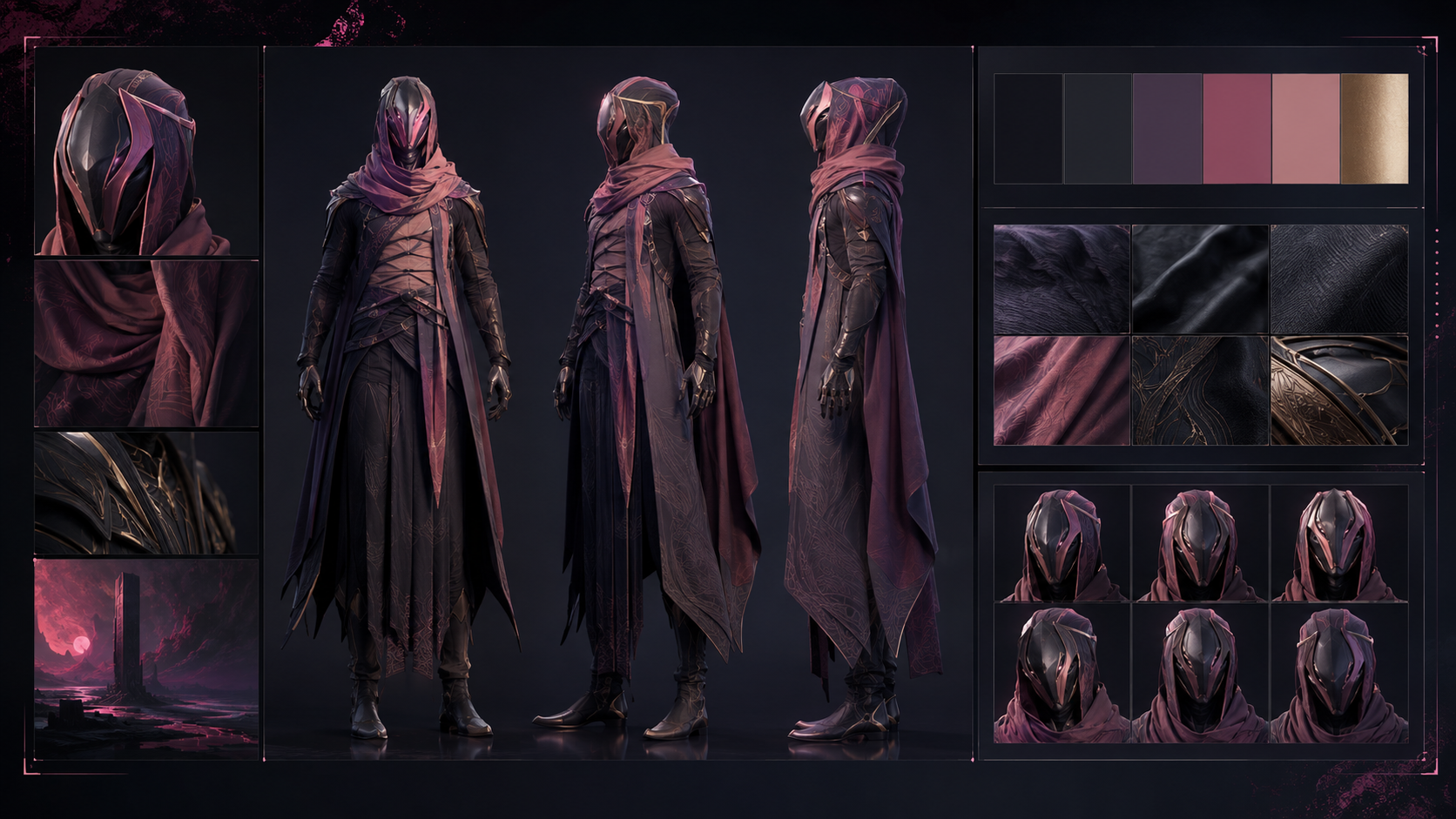
Consistency across a time jump
Generate a young and an older version of the character and keep at least one of the scar position, face shape or habitual gaze identical in both.

Export per-platform variants
Export the same cut at 9:16, 16:9, and 1:1 for its different destinations instead of keeping only the original spec.
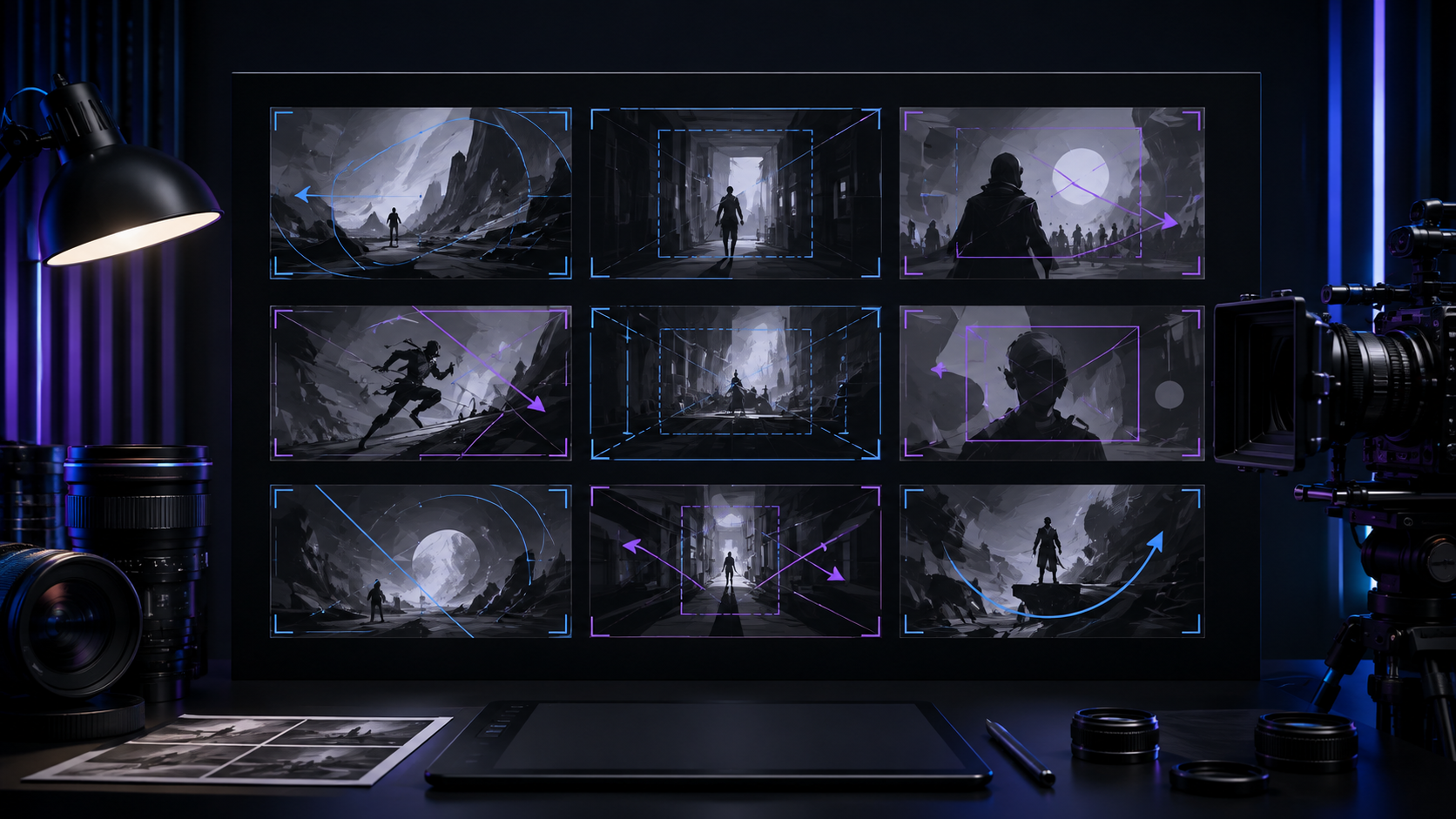
Silhouette and occlusion framing
Build suspense and depth with silhouettes, as in the S5 bamboo duel, or foreground occlusion, as in the S2 door crack.
Moving day war
Four young flatmates turn a single moving day into an all-out war of boxes, tempers, and territory.
The counting room of a time-honored business
One counting room goes from oil lamp to electronic screen, generations change at the desk, and the abacus never stops clicking.
The ferryman
Give him a plain robe, a calm face, and an unmarked old box that stores obsessions.

Sync action effects tightly
Sync fight and parkour effects to the on-screen action and keep them specific, such as a blade cutting air or a foot landing.
Bamboo sea, leaves as blades
High above a sea of bamboo, two fighters trade strikes using nothing but single leaves as blades.
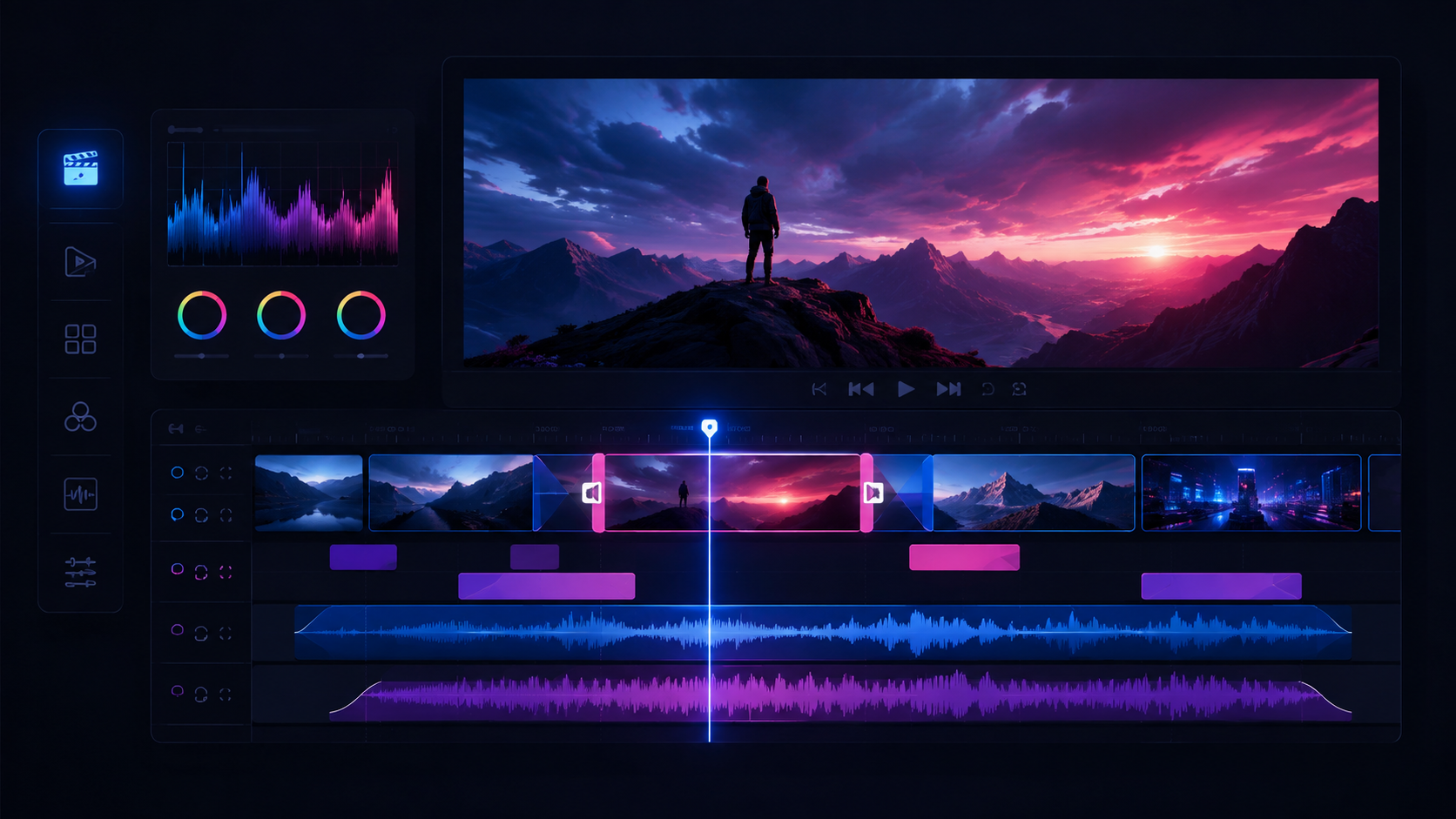
Hold a beat before the reveal
Hold one deliberate beat before a reveal in suspense material and let the audience fill the pause with their own worst guess.
Material consistency
Choose one material signature in the character description: brushwork, paper grain, or clay fingerprints.
Keep documentary narration sparse
Keep documentary VO cool and sparing, leaving long gaps for the pictures and the real voices, because wall-to-wall narration drains the sense of reality.
Freeze frame the beat
Use freeze-frame to stop on a key moment for a caption or transition.
One action verb per clip
Ask each clip for a single unambiguous action verb (stand up, draw the sword, throw the tea), because fewer verbs mean steadier results.
A hand-drawn city tour
A hand-drawn animated city tour where each landmark grows into being along a single walking line.
Pull official characters and costumes
Filter the asset plaza for official characters, costumes, props, or scenes, then add the chosen asset to the current project.
Orbit the lead (orbit-clockwise / orbit-counterclockwise)
Use orbit-clockwise or orbit-counterclockwise to circle the lead and strengthen their presence or scale.
Flowing hanfu robes
Specify the hanfu style, such as ruqun or a long robe, along with its main color and ribbons.

Compare two candidates
Generate at least two candidates for the same shot, compare them side by side, and judge composition, lighting, and character likeness.
Shape level envelopes
Draw a short fade in and fade out on the level envelope at each clip's head and tail to avoid pops and abrupt entrances.
Say what the picture cannot
Use educational narration for what the image does not show, and avoid repeating what the visuals already demonstrate.
Check sync shot by shot
Before export, walk every shot and confirm dialogue and effects sit in sync with picture, treating this as a zero-tolerance correctness check.
Late-night convenience store clerk
Set her age at around twenty and specify a single ponytail with flyaway strands, a work uniform, and a crossbody bag.
Close on an empty frame
End on an empty frame with a fade and a tail of sound instead of spelling the last idea out.
Casting from live-action stills
For documentary or ad work with live-action material, describe the age range, clothing, natural light direction, and candid action instead of using 'realistic' as a substitute for detail.