
Tutorials
Official tutorials
Step-by-step walkthroughs from the DreamOddly team, covering script, storyboard, characters and image generation.
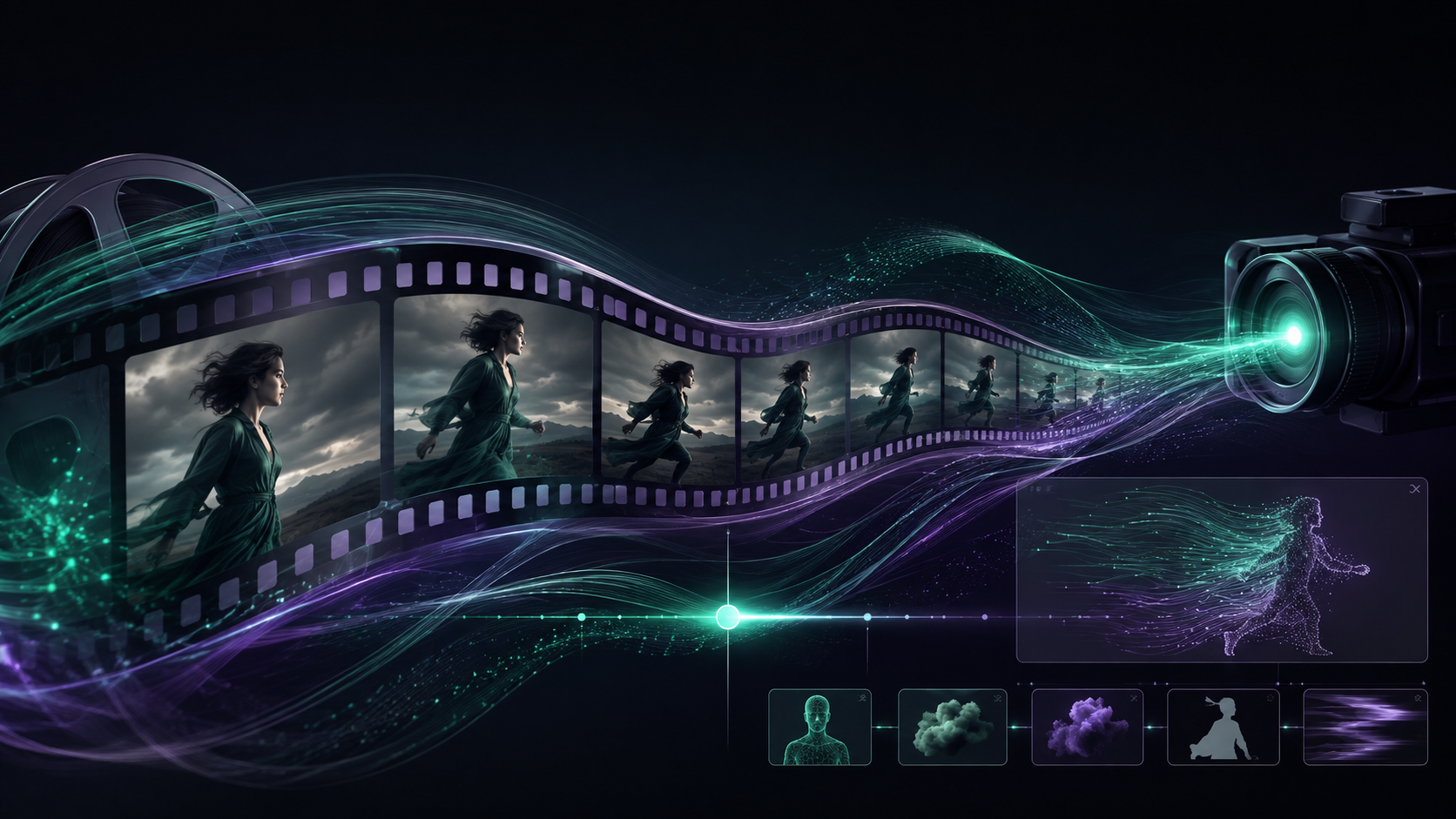
Cut to the music
Match the video's rhythm to the music's BPM.
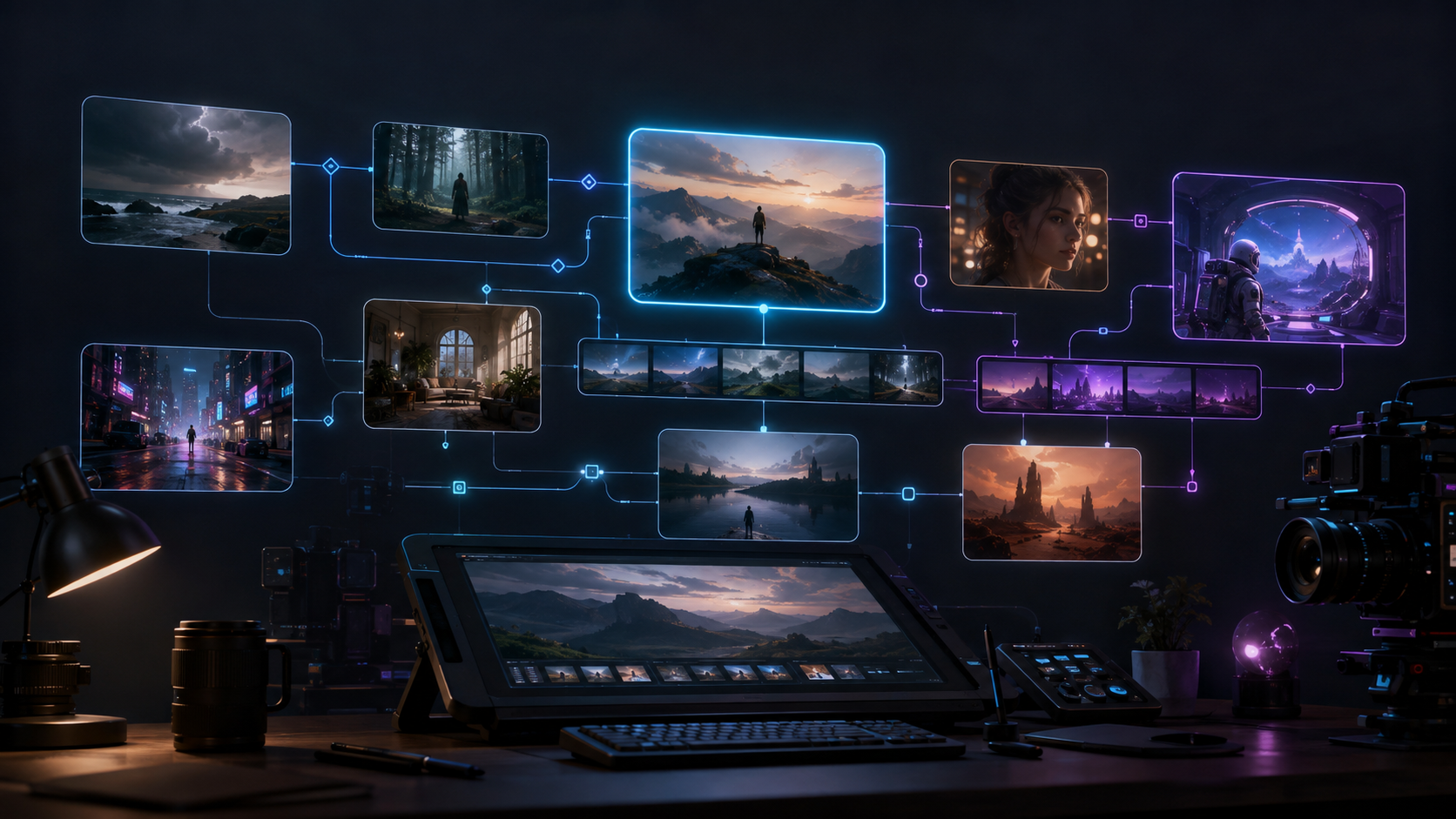
Digital and HUD overlays
Give science-fiction imagery a sense of information with HUD elements, data streams, and reflective panels.
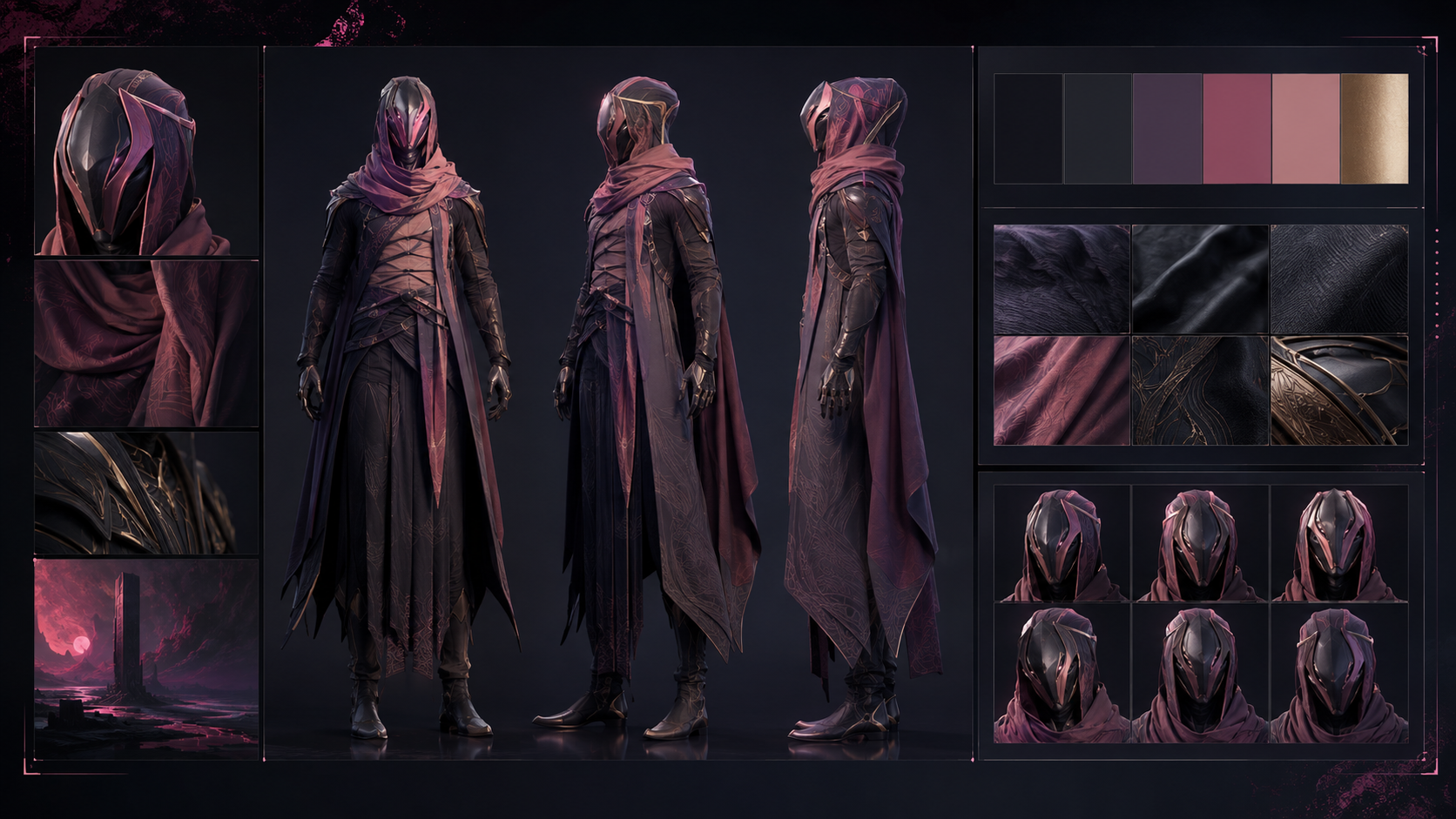
Hand-drawn little creature
Give it round ears, a short tail, soft fur, and one glowing marking that makes courage visible.
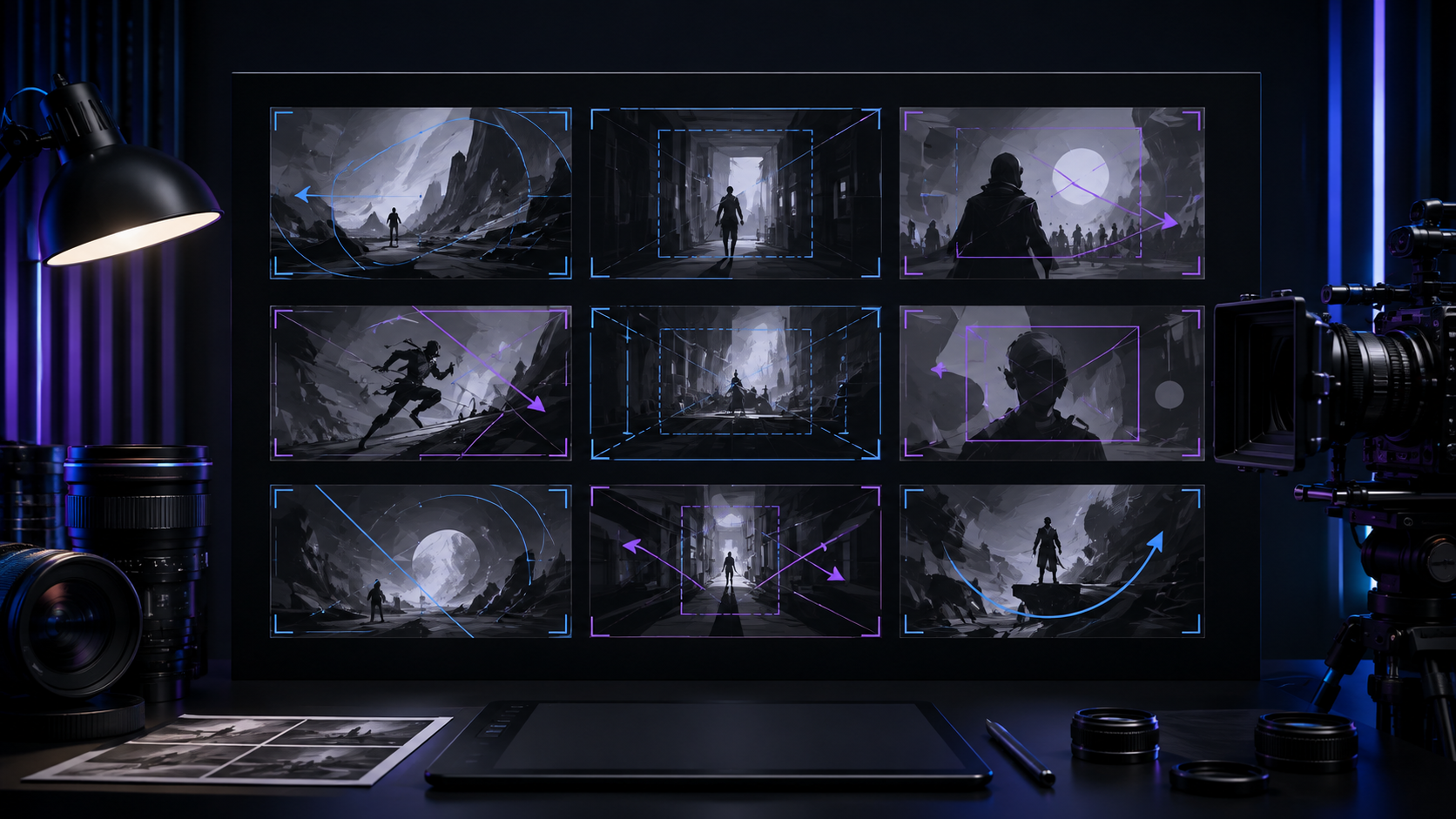
Frame within a frame
Use a doorway, window, arch, or leaves as a foreground frame to focus attention on the subject and add depth.
Two old friends on late-night radio
Make A the radio host in headphones and a shirt, and B the listener in a sweater at home.
Through a tide of neon
An electric car glides silently through a night city surging with neon, and inside the cabin the only sound is breathing.
Push in to focus (dolly-in)
Use dolly-in to creep slowly toward the subject and magnify emotion or suspense, keeping the push unhurried so the moment has room to land.
Negative space
Let the subject occupy a small area and leave ample negative space for loneliness, restraint, or imagination.

Check the mix for overload
Keep the mix from clipping, with clear dialogue and music that never covers the voices.
Twins and body doubles
Separate two near-identical characters with one small but constant difference, an earring, a gait or the side a collar folds to, and never swap it.
Rim and edge light
Backlight the subject to trace its outline with a rim, creating an ethereal or science-fiction feel.

Manage the render queue
Manage multi-segment renders in a queue with visible progress.
Rule of thirds and leading lines
Place the subject on a third and run a road, a railing or a shaft of light through the frame as a leading line toward it.
Scams as absurd comedy
Stage the most common scams as a darkly absurd comedy sketch, so the laugh lands first and the warning lands right after.
Fade in and out of black
Use fade-in-black or fade-out-black at the opening, ending, or a clear section break.
One-line anchors
Pick one or two stable anchors, a pin, an old watch or a glowing marking, and write them into the character profile and every relevant shot description.
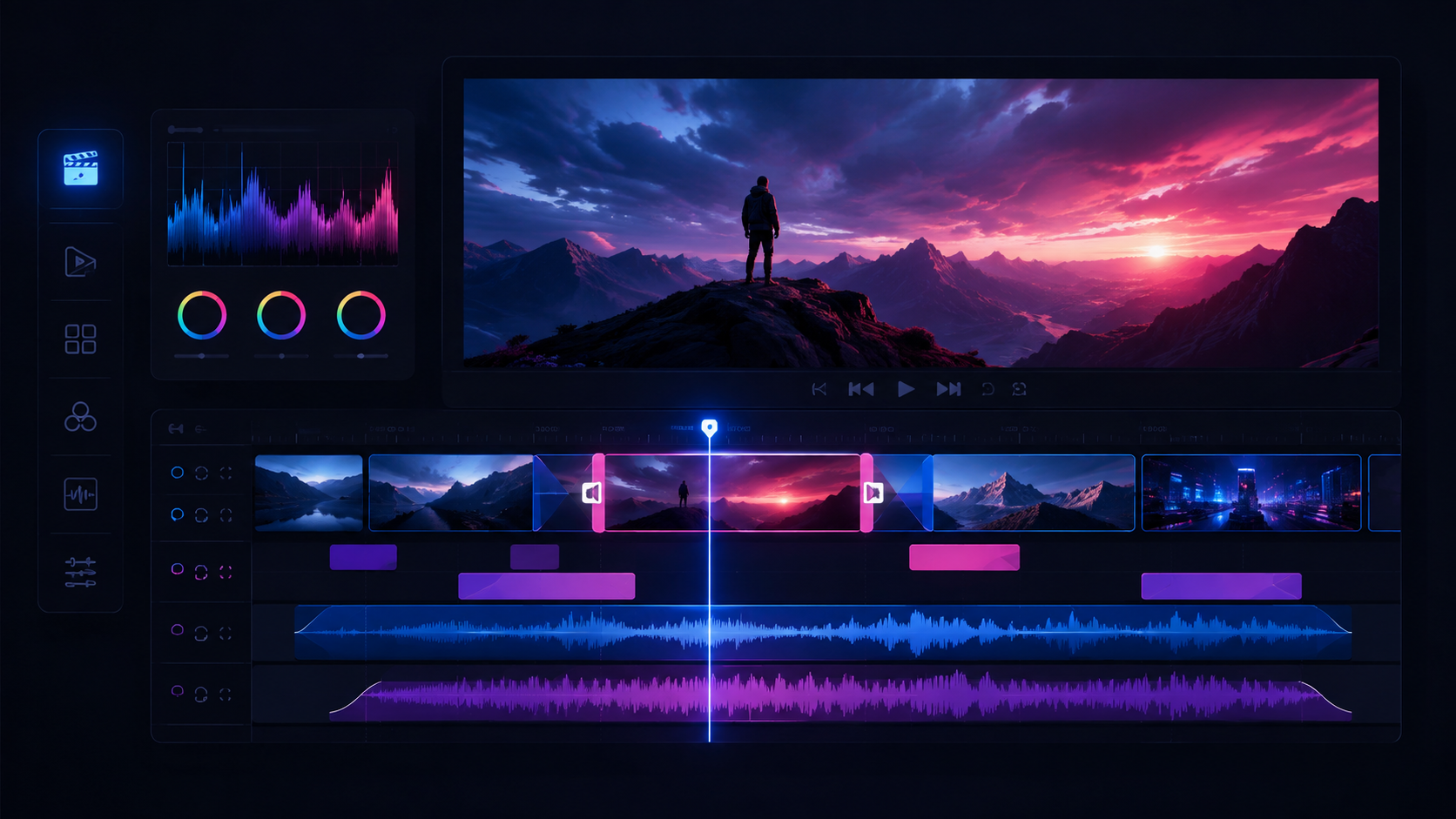
Save checkpoints on long cuts
Save the current version partway through a long multi-track cut so you can roll back and keep collaborators aligned.
Add captions and title cards
Add captions or title cards to educational and public-interest pieces to improve readability.
Save a version before big changes
Duplicate the timeline as a new version or take before any large change, so a bad edit can always be rolled back.
The ginger cat at the midnight store
A convenience store clerk notices the ginger cat vanishes for exactly one hour every night, and tonight she quietly follows it out the door.
From the field to your hands
One tomato travels from a dawn harvest through packing and transport to the dinner table, each stop stamped with its time and origin.
Keep effects behind the voices
Keep effects motivated by something on screen and do not let them cover the voices.
The editing trade inside an old bookshop
Visit an old bookshop in person to tell the story of the editing trade that lives beyond the printed page.
From ragged line to one unit
A team that can never move in time achieves its first wordless coordination on the last day of training camp.