
Tutorials
Official tutorials
Step-by-step walkthroughs from the DreamOddly team, covering script, storyboard, characters and image generation.
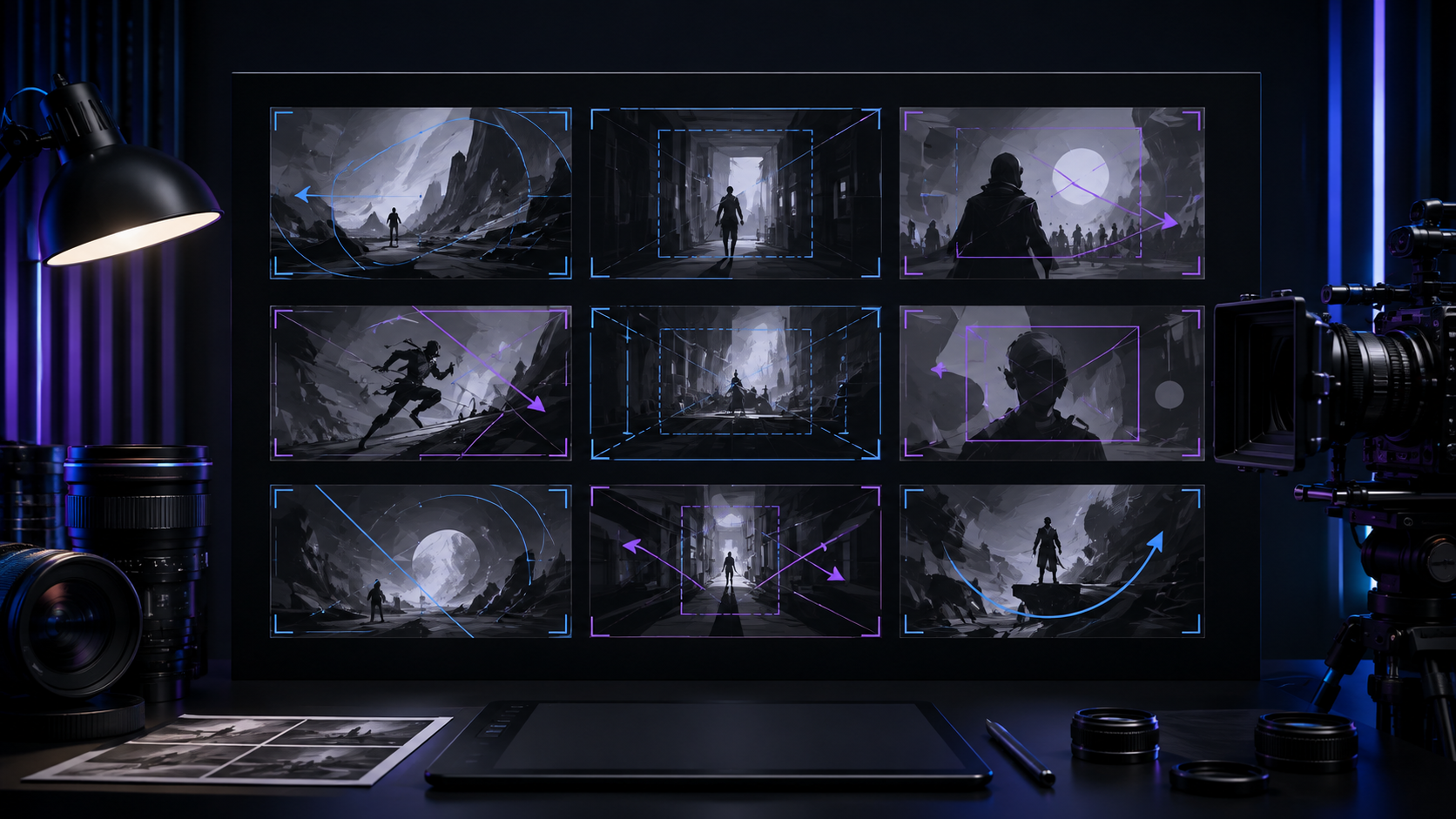
Whip pan to connect
Use whip-pan-left or whip-pan-right to connect actions or create a sudden switch.
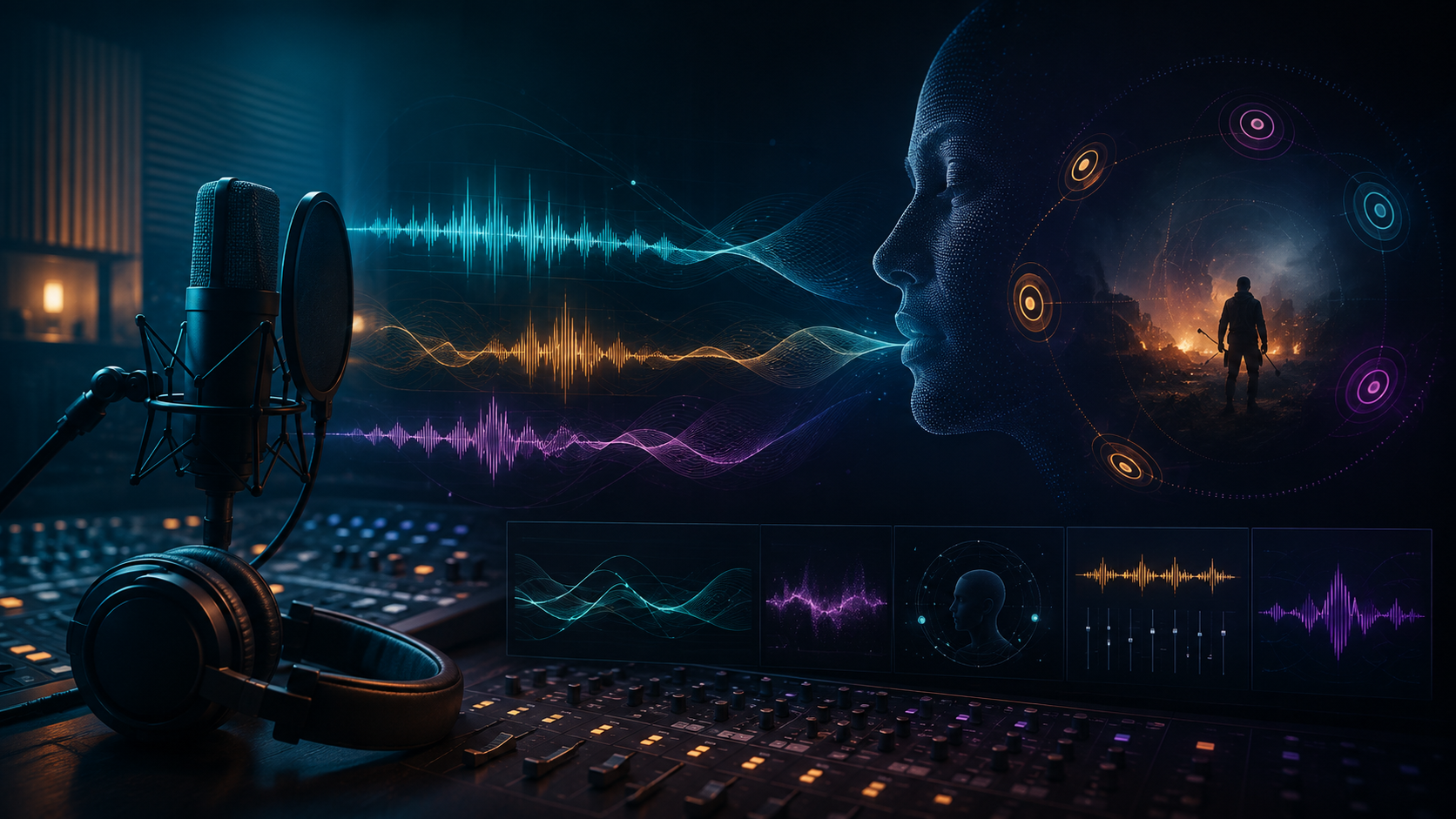
Punctuate hits and punchlines
Amplify comedy punchlines and action impacts with a punctuating sound effect.
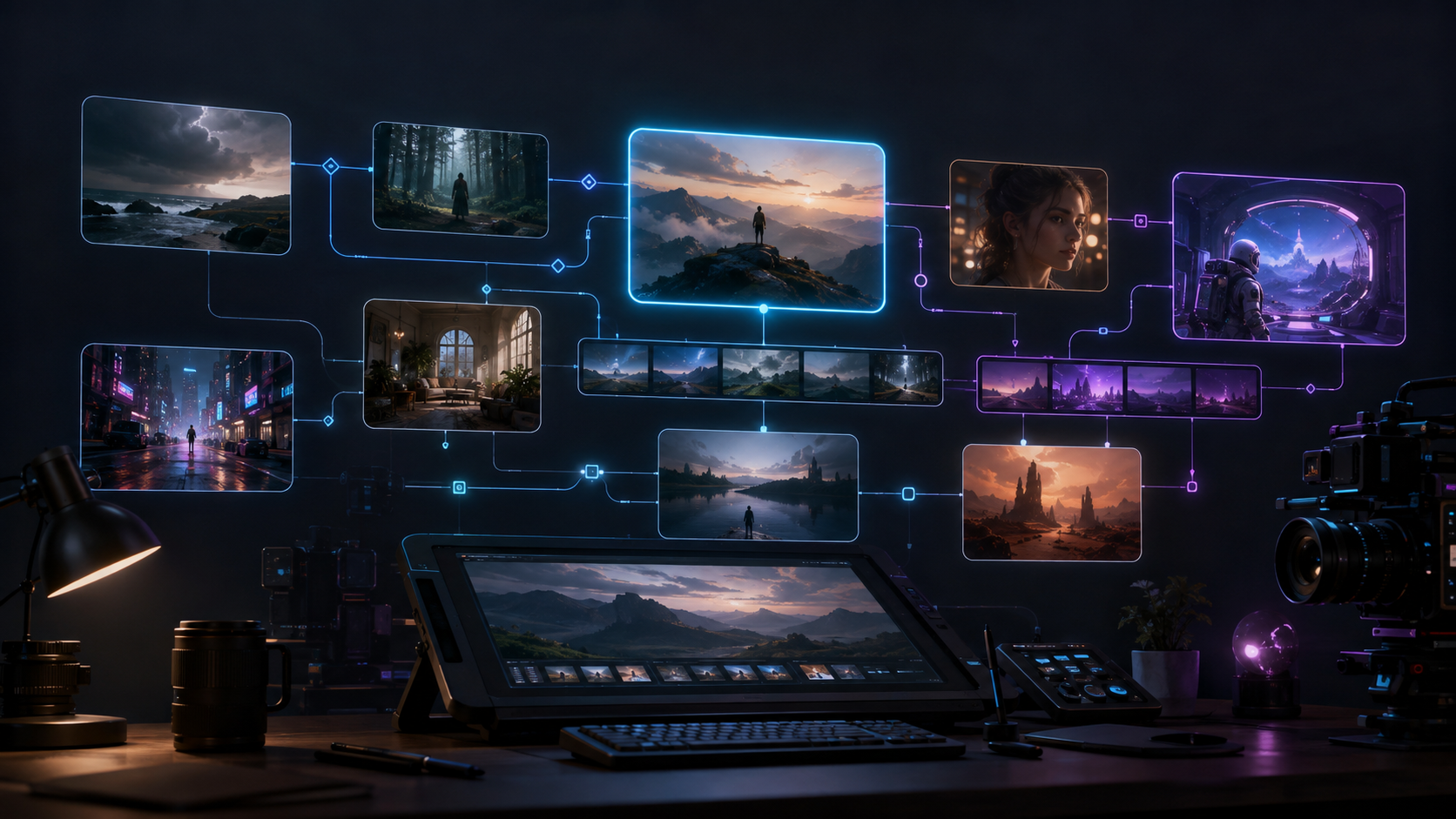
Grain and glow (style: film-grain)
Choose film-grain when the image needs a vintage look.
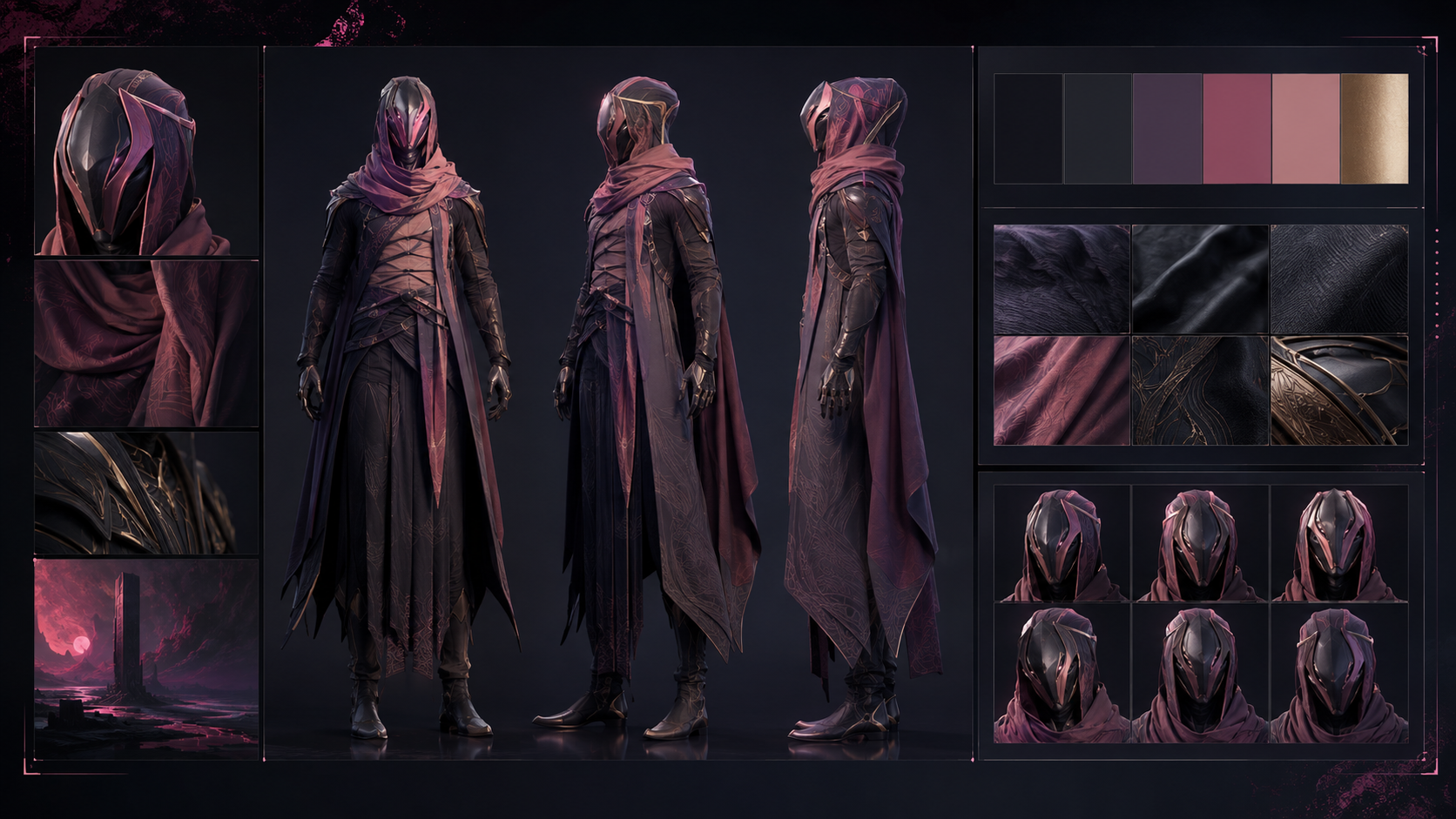
The look test is your baseline
Generate look-test candidates for each main character, compare front-facing features, costume, and palette, then adopt one as the official look.
Swap video takes freely
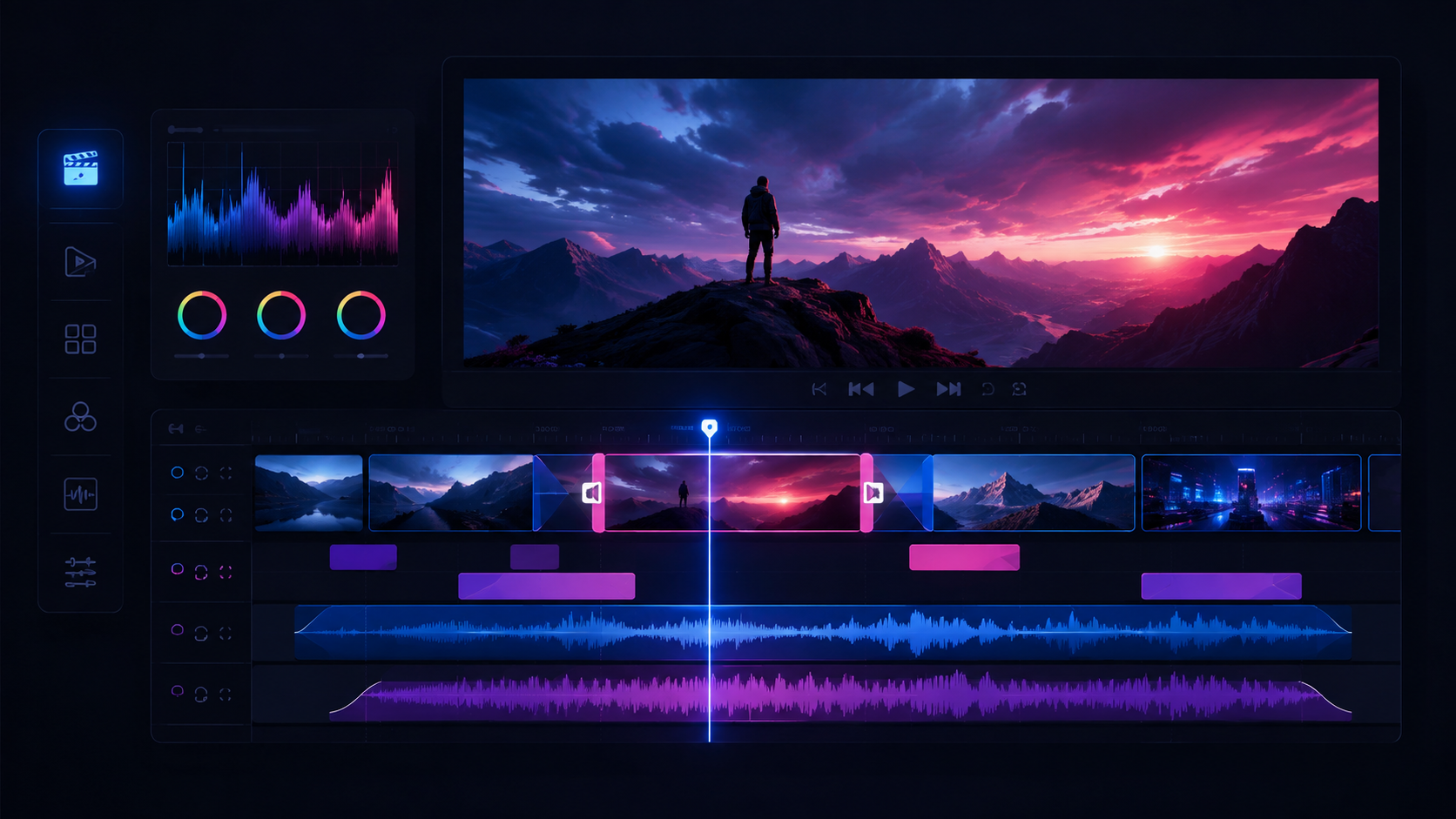
Swap, un-adopt, and re-adopt video takes directly on the timeline, knowing that every earlier take is kept and no choice is a dead end.
Keep the light consistent
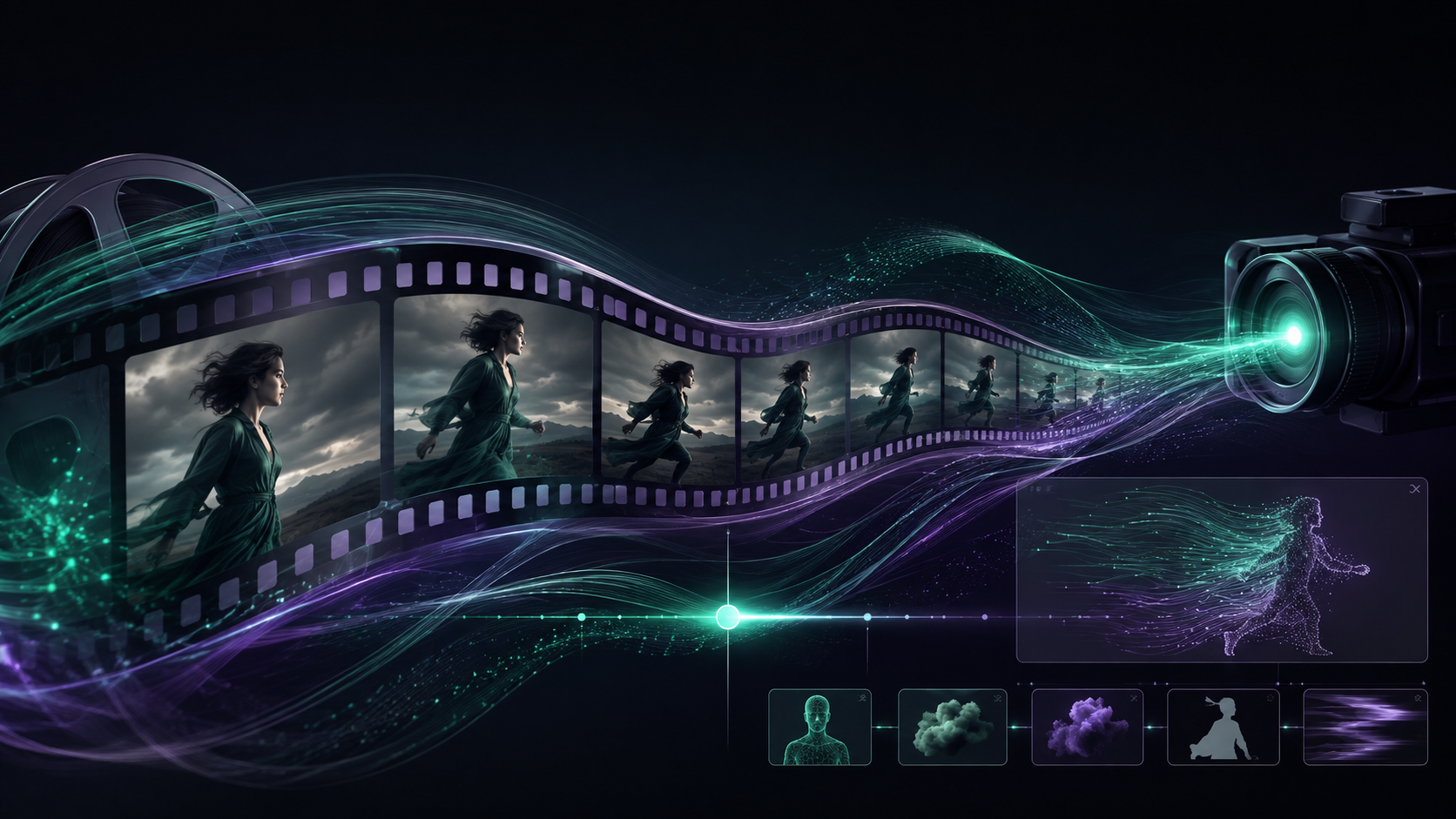
Keep the sun angle and interior lighting consistent within a scene so one shot is not noon and the next dusk.
Keep crowds under the dialogue
Treat background crowds as ambience plus low, indistinct dialogue instead of voicing every line clearly.
Annotate lines with intent
Put a delivery note in parentheses before each line (lowered, choking up, hesitant) and keep it with the script so the read lands as written.
Low angle for presence
Use a low angle to make a character feel imposing or tall.
POV walk and POV run
Choose pov-walk for tracking on foot and pov-run for a chase so the audience sees the character's route and obstacles firsthand.
End before the reveal
In thriller or art-house material, stop just before the information lands and hand the suspense to the next shot or to black.

Pick the output spec
Choose aspect ratio, resolution, and bitrate for the platform: vertical short video for I1, horizontal short film for I8, and high-definition ads for I2 and I3.
Push in with rack focus
Use push-in-rack-focus to move forward while shifting focus from the foreground to the subject behind it.
Gather clips on the video track
Check that the video track holds every generated and adopted video product, and that takes you have not adopted stay off it.
Low drones and heartbeats
Build pressure in thriller and science-fiction passages with sustained low drones and a heartbeat.
Occlusion transition
Let a foreground object or subject fill the frame, then clear it from the same position in the next scene.
Warm or cool bias
Bias the whole frame warm for memory or comfort, or cool for futuristic or thriller imagery.
Why a black hole is black
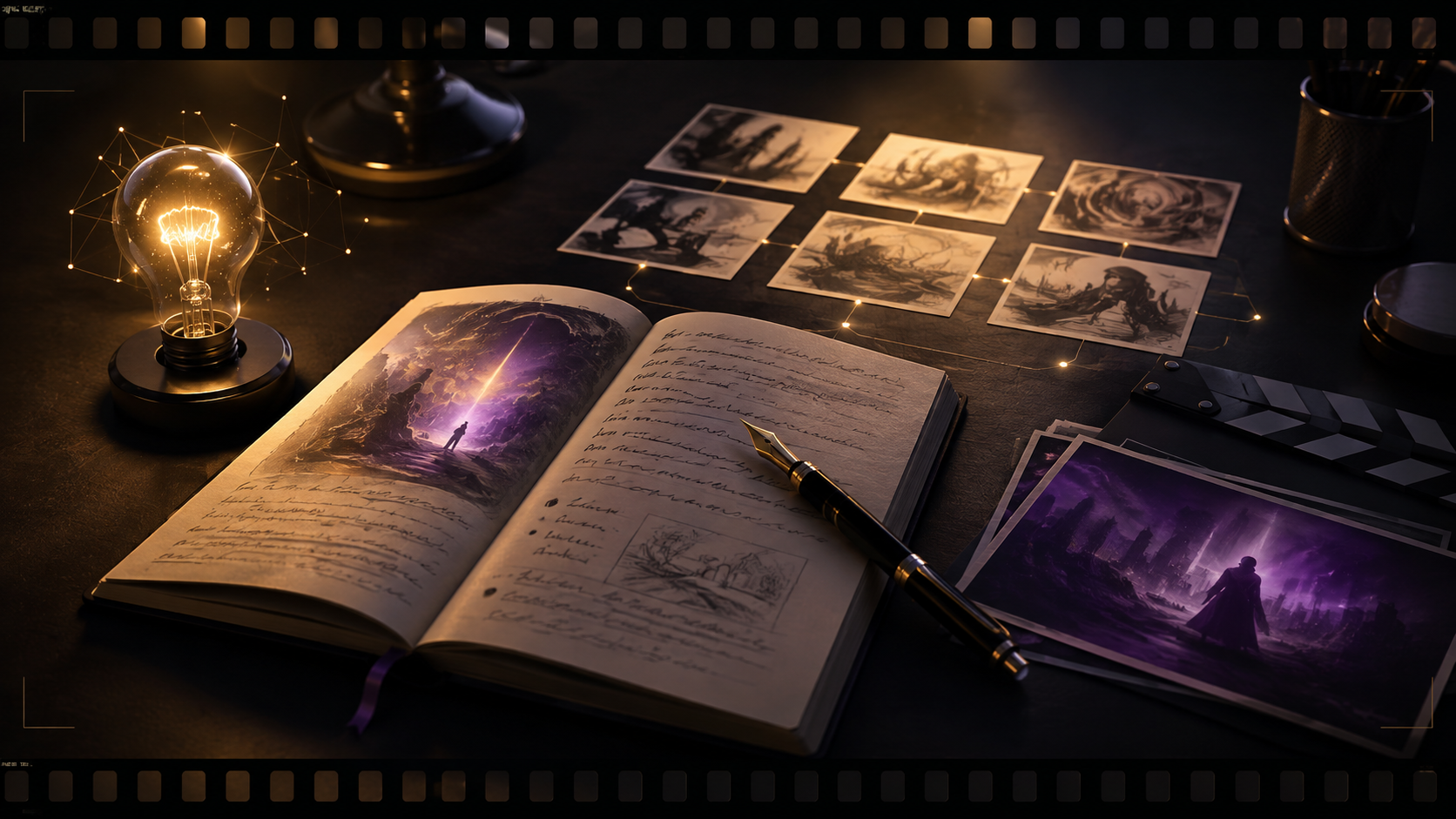
Use plain, visual analogies to explain why a black hole is black, moving from the comparison to the physics behind it.
Vertical short video
Front-load the title hook, preserve quality, and keep the subject centered so platform interface overlays do not crop it.
A scent you remember
A fragrance gift box is opened, and with it a particular smell that unlocks a memory.
Not adopted stays off the track
Keep candidates that are not adopted out of the main track, so only confirmed material ever reaches the finished cut.
Hand-drawn and animated media
Choose one medium from cel animation, watercolor, pencil, clay, or silhouette and write it into the project's visual settings.
An old letter under an old streetlamp
In the corner of an old streetlamp's light, a figure in a trench coat reads a letter written long ago.
Gas station clerk on a rainy night
Make the clerk young, uniformed, tired, and bespectacled, with a restrained expression when something strange happens.